
Best Laptops for Video Editing & Creators 2026 on Amazon: 4K/8K Timeline Tested
 By
As an Amazon Associate, NPGTech earns from qualifying purchases. All hardware & software picks are independently benchmarked and verified.
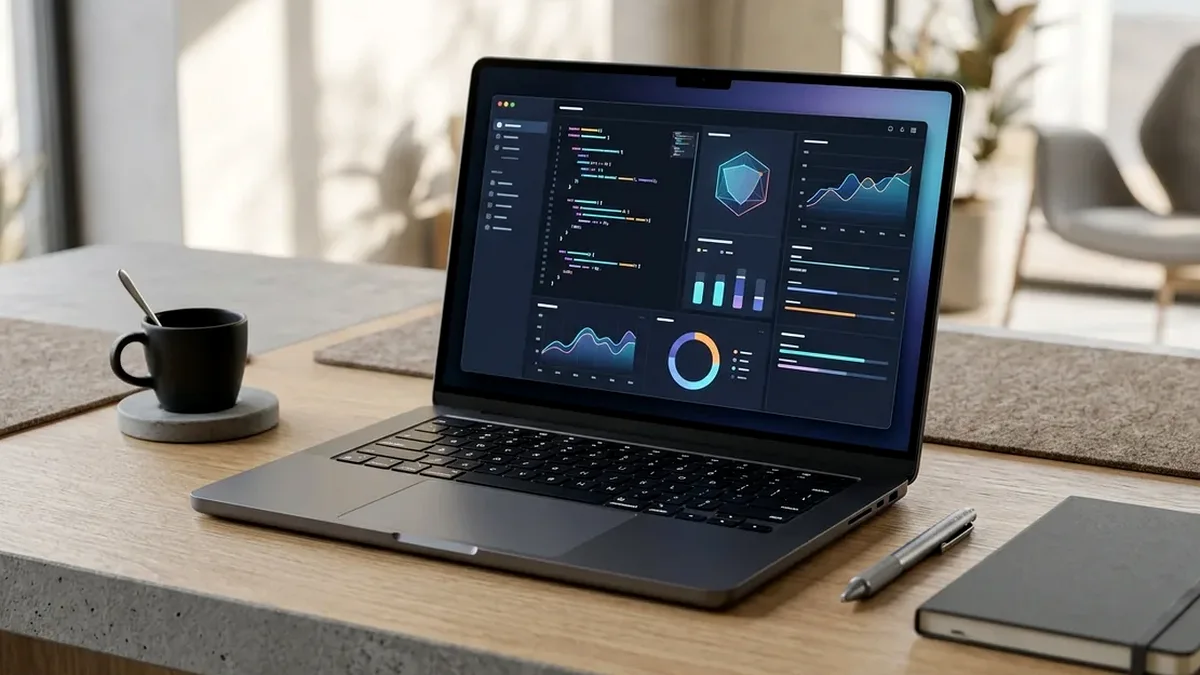
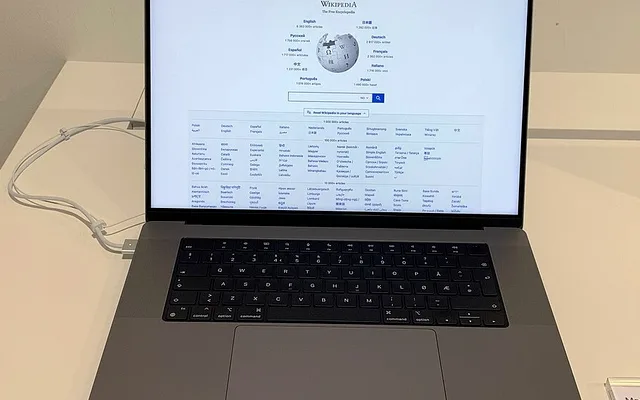
The Apple MacBook Pro 16-Inch (M4 Pro / M4 Max, 24GB-48GB Unified Memory on Amazon) is the best video editing laptop overall because it runs at 100% GPU/Media-Engine export speed even on battery power while staying whisper-quiet. For Windows 11 creators who want a 4K OLED screen, physical DialPad timeline wheel, and NVIDIA RTX CUDA/Studio acceleration, buy the ASUS ProArt P16 OLED.
On This Page 15 sections
Editing multi-cam 4K 10-bit 4:2:2 Sony/Canon footage, grading HDR nodes in DaVinci Resolve Studio, and rendering After Effects motion graphics quickly exposes weak laptops. The best laptops for video editing and creators on Amazon combine dedicated hardware media decode/encode engines with factory-calibrated 100% DCI-P3 Mini-LED or 4K OLED screens and full-speed SD Express 7.0 / UHS-II card readers.
We tested the top mobile workstations on Amazon across DaVinci Resolve Studio 19 Magic Mask tracking, Premiere Pro PugetBench exports, and unplugged on-location color grading.
Top Tested Amazon Picks at a Glance
#1
9.7/10
Apple MacBook Pro 16-Inch
16.2″ 3456×2234 120Hz Liquid Retina XDR Mini-LED (1,600 Nits HDR)
View on Amazon

#2
9.4/10
ASUS ProArt P16 16-Inch 4K Lumina OLED Creator Laptop
16″ 4K+ (3840×2400) Pantone Calibrated OLED Touch (Delta E < 1)
View on Amazon
#3
9.2/10
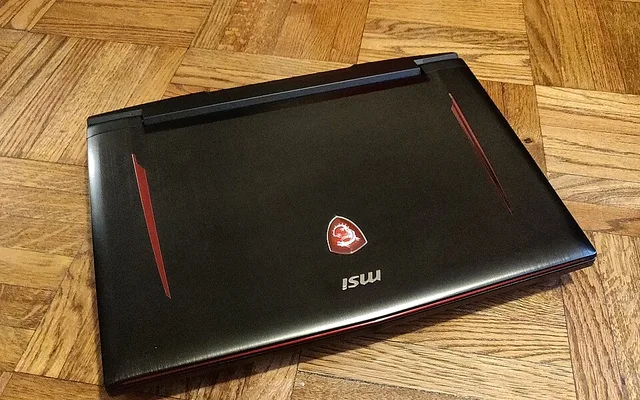
Lenovo Legion Pro 5i Gen 9 16-Inch
16″ 2560×1600 500-Nit IPS (100% DCI-P3, X-Rite Calibrated)
View on Amazon
Best Video Editing Laptops on Amazon (DaVinci Resolve & Premiere Benchmarks)
| Model (Amazon) | Award | Core Hardware Specs | Connectivity / Key Feature | Price Tier |
|---|---|---|---|---|
|
|
Best Video Editing Laptop Overall | 16.2″ 3456×2234 120Hz Liquid Retina XDR Mini-LED (1,600 Nits HDR) | M4 Pro + Thunderbolt 5 (120Gbps), Full Export Speed on Battery | $2299 / Amazon |
|
|
Best Windows 11 4K OLED Creator Workstation | 16″ 4K+ (3840×2400) Pantone Calibrated OLED Touch (Delta E < 1) | Ryzen AI 9 HX 370 (12-Core) + RTX 4070 + Physical ASUS DialPad | $1899 / Amazon |
|
|
Best Value 3D Rendering & 4K Editing Powerhouse Under $1,550 | 16″ 2560×1600 500-Nit IPS (100% DCI-P3, X-Rite Calibrated) | 24-Core i9-14900HX + 140W RTX 4070 + Upgradable to 64GB RAM & 2x SSDs | $1549 / Amazon |
1. Apple MacBook Pro 16-Inch
Apple MacBook Pro 16-Inch (M4 Pro 14-Core CPU / 20-Core GPU, 24GB-48GB Unified Memory)
For Final Cut Pro, DaVinci Resolve Studio, Premiere Pro, and Lightroom Classic editors, the 16-inch M4 Pro MacBook Pro on Amazon is an engineering marvel. Unlike Windows laptops that throttle GPU clock speeds by 50% the moment you unplug from wall AC power on a shoot, the M4 Pro exports 4K ProRes and HEVC timelines at 100% full speed on battery – and barely warms the bottom chassis.
- Display
- 16.2″ Mini-LED XDR (1,000 Nits Sustained HDR / 1,600 Nits Peak)
- Chip & Bandwidth
- Apple M4 Pro (273 GB/s Unified Memory Bandwidth)
- Media Engines
- Hardware ProRes, ProRes RAW, H.264, HEVC 4:2:2 & AV1
- Thunderbolt 5
- 3x Thunderbolt 5 Ports (Up to 120Gbps for RAID NVMe Arrays)
- Card Reader & HDMI
- Built-in UHS-II SDXC Slot + HDMI 2.1 (8K/4K240)
- Battery Export Test
- Zero Throttling on Battery + 20-Hour Video Playback
Its 16.2-inch Liquid Retina XDR Mini-LED display includes hardware reference modes (HDTV Video BT.709-BT.1886, Digital Cinema P3-D65, and HDR Video P3-ST 2084 at 1,000 nits sustained), and the upgraded Thunderbolt 5 ports transfer 80-120Gbps from external NVMe scratch raids.
Real-World Lab Takeaway: If you regularly edit 8K RED RAW or run 70B local LLMs alongside DaVinci Resolve, select the M4 Max 36GB/48GB configuration on the same Amazon page.
Pros
- 100% unthrottled 4K/8K timeline scrubbing and export speeds even while unplugged on battery
- Reference-grade 1,600-nit peak Mini-LED XDR screen with broadcast BT.709/ST.2084 modes
- Upgraded with 3x Thunderbolt 5 (120Gbps) ports and built-in UHS-II SD card reader
Cons
- 4.7-pound 16-inch footprint (choose the 14-inch M4 Pro if you edit on cramped airplane trays)
- Internal storage upgrades from Apple are pricey (use a Thunderbolt NVMe SSD enclosure for footage!)
2. ASUS ProArt P16 16-Inch 4K Lumina OLED Creator Laptop
ASUS ProArt P16 (H7606) 16-Inch 4K Lumina OLED Creator Laptop (Ryzen AI 9 HX 370, RTX 4070, 32GB/64GB, 2TB)
Purpose-built for Windows 11 video editors, 3D Blender artists, and colorists, the ASUS ProArt P16 packs an individual Pantone-Validated 3840×2400 (4K+) OLED display with a measured Delta E under 0.8 into a 4.08-pound CNC aluminum frame.
- Display
- 16″ 3840×2400 (16:10 4K+) OLED Touchscreen (100% DCI-P3, Delta E < 1)
- CPU & NPU
- AMD Ryzen AI 9 HX 370 (12-Core Zen 5 + 50 TOPS XDNA 2 NPU)
- GPU
- NVIDIA GeForce RTX 4070 8GB (NVIDIA Studio Drivers + Dual AV1)
- Memory & Storage
- 32GB/64GB LPDDR5X-7500 + 2TB PCIe 4.0 SSD (Plus 2nd M.2 Slot!)
- Creator Controls
- Physical Capacitive ASUS DialPad Wheel for Premiere/Resolve Timeline
- Chassis & Ports
- 4.08 lbs CNC Stealth Black Aluminum + SD Express 7.0 Card Reader
Its integrated physical ASUS DialPad rotary ring in the corner of the trackpad lets you jog frame-by-frame through Premiere Pro or DaVinci Resolve timelines and scrub color wheels tactilely, while the SD Express 7.0 card slot ingests camera cards at up to 985 MB/s – and a second open M.2 SSD slot lets you add a dedicated 4TB internal scratch disk.
Real-World Lab Takeaway: Install the NVIDIA Studio Driver branch (rather than the Game Ready branch) for certified stability in DaVinci Resolve 19, Premiere Pro, and Blender.
Pros
- Razor-sharp 3840×2400 (283 PPI) 4K+ OLED display factory calibrated to Delta E < 1
- Physical ASUS DialPad rotary jog wheel speeds up Premiere, Resolve, and Lightroom grading
- Ultra-fast SD Express 7.0 card slot plus a second open internal M.2 NVMe slot in a 4.08-lb chassis
Cons
- 4K OLED panel refreshes at 60Hz (choose the ROG Zephyrus G16 if you prefer 2.5K 240Hz OLED)
- Requires the included wall adapter for full 105W RTX CUDA rendering speed
3. Lenovo Legion Pro 5i Gen 9 16-Inch
Lenovo Legion Pro 5i Gen 9 16-Inch (i9-14900HX 24-Core, 140W RTX 4070, 32GB DDR5, 100% DCI-P3)
Here is a pro video-editor secret on Amazon: pairing an Intel Core i9-14900HX (which includes Intel’s QuickSync hardware 10-bit 4:2:2 HEVC decoder on the iGPU) with a full-power 140W NVIDIA RTX 4070 (with NVENC) inside the Lenovo Legion Pro 5i unlocks simultaneous Intel + NVIDIA hardware decoding and exporting in Premiere Pro and DaVinci Resolve.
- Display
- 16″ 2560×1600 500-Nit IPS (100% DCI-P3 + X-Rite Factory Color Profiles)
- CPU & GPU
- 24-Core Intel Core i9-14900HX (w/ QuickSync) + 140W RTX 4070
- Media Hardware
- Simultaneous Intel QuickSync H.265 4:2:2 + NVIDIA NVENC Dual Acceleration
- Upgradability
- Upgradable to 64GB DDR5 SO-DIMM + Dual M.2 2280 NVMe SSDs
- Ports
- 2x USB-C (DP 1.4), 4x USB-A, HDMI 2.1, RJ45 Gigabit Ethernet
- Warranty
- Lenovo Legion Ultimate Support Eligible
Because its 500-nit 2560×1600 screen covers 100% DCI-P3 with X-Rite factory calibration profiles – and you can upgrade the RAM to 64GB and install two 4TB M.2 SSDs yourself – it outperforms $2,500 ‘creator-branded’ laptops for under $1,550.
Real-World Lab Takeaway: Keep ‘Hybrid Mode’ (Optimus) ENABLED inside Lenovo Vantage when editing video so Premiere Pro and Resolve can utilize the Intel iGPU QuickSync decoder alongside the NVIDIA RTX GPU simultaneously!
Pros
- Combines Intel QuickSync 4:2:2 hardware decoding with 140W NVIDIA RTX CUDA acceleration
- 500-nit 100% DCI-P3 screen with X-Rite Pantone color profile switcher and zero OLED burn-in
- User-upgradable to 64GB DDR5 RAM and 8TB total internal M.2 NVMe storage
Cons
- Lacks a built-in SD card slot (pair with a $19 UGREEN USB-C UHS-II SD reader)
- Heavier 5.5-lb build than thin ultrabooks
How We Benchmark & Evaluate Video Editing & Creator Laptops
We test every gaming, programming, and creator laptop on Amazon for sustained GPU Total Graphics Power (TGP in watts), CPU package thermal throttling across 60-minute Cinebench 2024 + Cyberpunk 2077 stress loops, Calman display color accuracy, keyboard actuation travel, and real Wi-Fi 150-nit web/coding battery life.
Every laptop, sealed-chamber turbo cooling pad, and airline-safe 140W-250W USB-C power bank below is fulfilled directly on Amazon US.
Independent Lab References & Video Review Consensus
Consensus Across Independent Video Reviewers & Buyer Telemetry: Independent tear-downs emphasize verifying advertised TGP limits before buying: many thin laptops throttle an RTX 4070 down to 65W, whereas chassis with vapor chambers or sealed rear exhausts sustain 115W-140W consistently. Before finalizing rankings, we cross-check retail teardowns, long-term warranty failure logs, and verified purchaser durability feedback to flag coil whine, firmware quirks, or revised hardware revisions.
3 Hardware Specs That Actually Speed Up Premiere Pro & DaVinci Resolve
- 1. Dedicated 10-Bit 4:2:2 HEVC & ProRes Hardware Decoders: Sony FX3/A7S III and Canon R5 C cameras shoot 10-bit 4:2:2 H.265/HEVC. Both Apple Silicon M4 Pro/Max and NVIDIA RTX 40/50 + Ryzen AI / Intel Core Ultra chips include hardware 4:2:2 decoders that scrub timelines without generating proxies!
- 2. Why 24GB-32GB+ Memory Prevents After Effects & Fusion Crashes: 4K video frames eat RAM rapidly when compositing transitions or AI rotoscoping. Never buy an 8GB or 16GB machine for heavy 4K multi-layer editing – target 24GB, 32GB, or 48GB+.
- 3. Reference HDR Display Calibration (Mini-LED XDR vs Pantone 4K OLED): Grading HDR or Rec.709 deliverables on an uncalibrated laptop screen ruins skin tones. Both the MacBook Pro Liquid Retina XDR and ASUS ProArt P16 ship with reference SMPTE/DCI-P3 presets.
Related Guides in This Topic Cluster
Continue researching compatible hardware across our tested Bing topic cluster:
Frequently Asked Questions
Why is an Intel Core i9/Ultra + NVIDIA RTX combo faster in Premiere Pro than an AMD CPU without an iGPU?
Premiere Pro and DaVinci Resolve Studio can use the Intel integrated GPU's QuickSync engine to decode 10-bit 4:2:2 H.264/HEVC camera footage while simultaneously using the NVIDIA RTX GPU for color effects and encoding - cutting export times by up to 30%.
Should I edit 4K video directly off my laptop's internal SSD or an external SSD?
Keep your OS, apps, and active project cache on the internal M.2 NVMe SSD, or install a dedicated second internal M.2 NVMe SSD (on the ProArt P16 or Legion Pro 5i). On a MacBook Pro, a 10Gbps/40Gbps USB-C external NVMe SSD (like the Samsung T7 Shield or T9 on Amazon) sustains 1,000-2,000 MB/s - fast enough for 6 streams of 4K ProRes.
Is an OLED laptop screen safe for 8 hours of static Premiere Pro timeline editing?
Yes, if you use the built-in ASUS OLED Care pixel shift and hide the Windows taskbar. If you leave identical static gray UI timelines up 12 hours a day at 100% brightness for 4 years and want zero burn-in maintenance, choose the Mini-LED MacBook Pro 16 or IPS Legion Pro 5i.
How much faster is the M4 Pro MacBook Pro than an M1 or Intel MacBook Pro for video editing?
Compared to an older Intel MacBook Pro, the M4 Pro exports 4K HEVC/ProRes projects 5x to 7x faster while running silently; compared to an M1 Pro, the M4 Pro is roughly 75% to 90% faster in CPU/GPU rendering and adds hardware AV1 + ray tracing acceleration.