
Best GPU Support Brackets, Anti-Sag Stands & 12V-2×6 Cables 2026 on Amazon
 By
As an Amazon Associate, NPGTech earns from qualifying purchases. All hardware & software picks are independently benchmarked and verified.
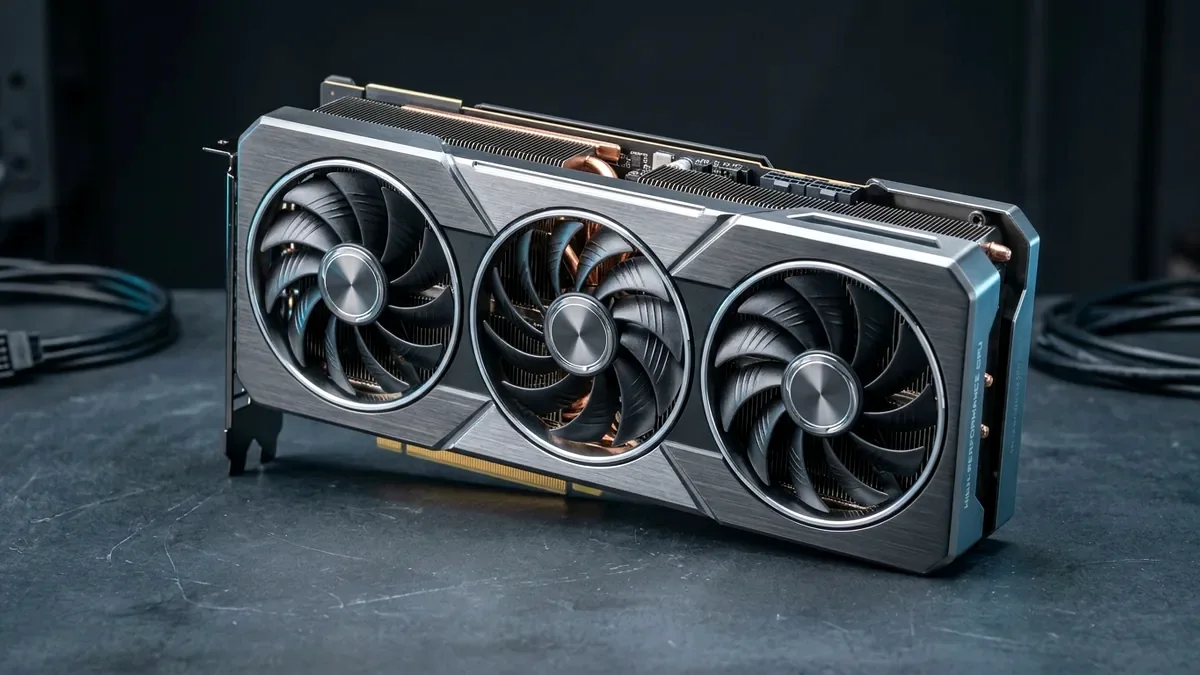
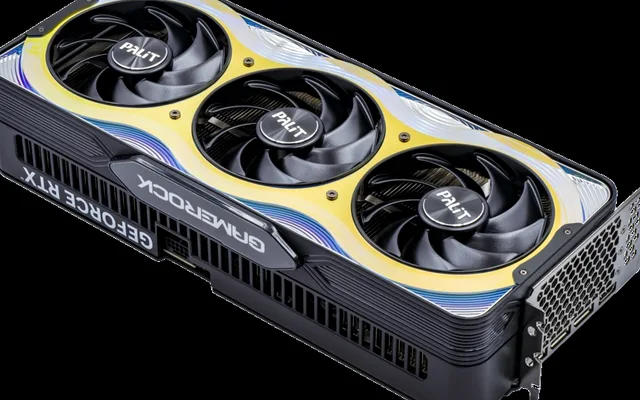
The JOYJOM / upHere Adjustable Aluminum GPU Support Pillar (~$9 on Amazon) is the easiest, most reliable magnetic anti-sag stand for 90% of PC cases. If you have bottom intake fans covering your PSU shroud and want a 100% invisible brace, buy the Lian Li GB-002 Motherboard Standoff Bracket. For clean side-panel clearance on RTX 40/50 cards, use a native ATX 3.1 PSU cable or CableMod StealthSense 90-Degree 12V-2x6 cable.
On This Page 15 sections
Modern triple-fan graphics cards like the RTX 5080, RTX 5070 Ti, and RX 9070 XT weigh between 2.8 and 4.6 pounds (1.3 to 2.1 kg). Left unsupported by its rear I/O bracket alone, the far front-right corner of the PCB sags downward over time – stressing the BGA solder balls beneath the bottom two GDDR6/GDDR7 memory chips right above the PCIe retention tab. Installing one of the best GPU support brackets on Amazon eliminates PCB flex in 30 seconds.
We tested telescoping magnetic aluminum pillars, invisible motherboard-standoff braces, and UL-certified 90-degree 16-pin 12V-2×6 power cables on Amazon.
Top Tested Amazon Picks at a Glance
#1
9.4/10
upHere / JOYJOM Adjustable Aluminum Graphics Card GPU Brace
CNC Anodized Aluminum Screw Pillar (74mm-120mm / Mini 49-80mm)
#2
9.3/10
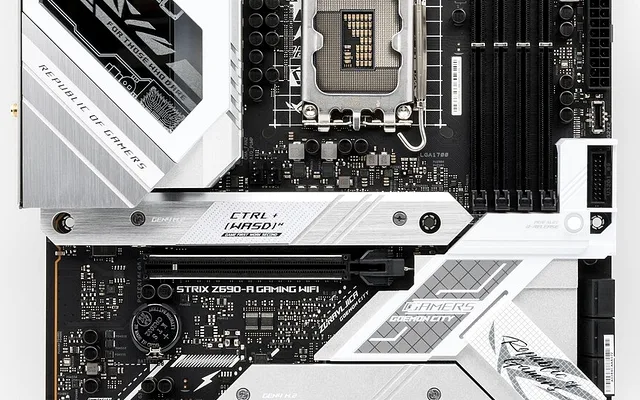
Lian Li GB-002 Graphic Card Anti-Sag Bracket
Mounts to 2 Existing ATX Motherboard Standoff Holes
View on Amazon
#3
9.2/10
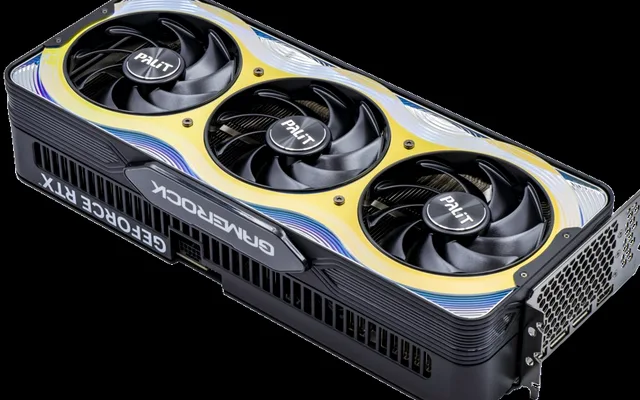
CableMod Basics / Pro 90-Degree 16-Pin 12V-2×6 StealthSense PCIe
600W 16AWG 90-Degree 12V-2×6 (Variant A & Variant B)
View on Amazon
Best GPU Support Brackets & 12V-2×6 Cables on Amazon Compared
| Model (Amazon) | Award | Core Hardware Specs | Connectivity / Key Feature | Price Tier |
|---|---|---|---|---|
|
|
Best Magnetic Telescoping Anti-Sag Pillar ($9) | CNC Anodized Aluminum Screw Pillar (74mm-120mm / Mini 49-80mm) | Hidden Neodymium Magnetic Base + Silicone Anti-Vibration Pads | $9 / Amazon |
|
|
Best 100% Invisible Motherboard-Mount Brace | Mounts to 2 Existing ATX Motherboard Standoff Holes | 100% Invisible Behind GPU, Ideal for Bottom-Fan O11 / H6 Cases | $16 / Amazon |
|
|
Best 90-Degree 600W 12V-2×6 GPU Power Cable | 600W 16AWG 90-Degree 12V-2×6 (Variant A & Variant B) | Patented StealthSense (No Sense-Wire Dropouts), Saves 30mm Width | $29 / Amazon |
1. upHere / JOYJOM Adjustable Aluminum Graphics Card GPU Brace
upHere / JOYJOM Adjustable Aluminum Graphics Card GPU Brace Support Pillar (74mm-120mm)
Horizontal PCIe-slot brace bars often sag themselves or collide with custom GPU fan shrouds. By contrast, a vertical CNC-machined aluminum screw pillar placed under the far-right outer corner of your graphics card provides 100% rigid vertical column support where leverage is highest – and costs just $8.99 to $9.99 on Amazon.
- Material
- Solid CNC-Machined Anodized Aluminum Alloy
- Height Range
- 74mm to 120mm Stepless Screw Thread (Plus Lock Nut)
- Base Attachment
- Concealed Neodymium Magnet + Non-Slip Silicone Pad
- Top Cushion
- Soft Silicone Pad (Protects GPU Shroud Finish)
- Colors Available
- Matte Black, Snow White, Silver
- Installation Time
- 15 Seconds (Zero Tools Required)
You simply place the magnetic base onto your steel PSU shroud, twist the inner threaded barrel upward until the top silicone pad gently levels the GPU, and spin the knurled locking ring tight.
Real-World Lab Takeaway: Always position the top rubber tip on the solid plastic/metal shroud rim between the 2nd and 3rd fan – never touching the spinning fan blades.
Pros
- Zero-sag vertical column physics supports even 4.5-pound 4-slot GPUs for ~$9
- Hidden magnet in the base locks onto steel PSU shrouds without adhesive residue
- Available in Matte Black, White, and Silver to match any PC build
Cons
- Requires a flat floor or fan-frame corner beneath the GPU tip (check height: 74-120mm vs Mini 49-80mm)
- Visible as a small 14mm cylinder under the right edge of the GPU
2. Lian Li GB-002 Graphic Card Anti-Sag Bracket
Lian Li GB-002 Graphic Card Anti-Sag Bracket (Invisible Motherboard Mount)
In dual-chamber cases like the Lian Li O11 Vision, O11 Dynamic EVO, or NZXT H6/H9 Flow, the entire bottom floor is covered by three 120mm intake fans – leaving nowhere to stand a vertical telescoping pillar. The Lian Li GB-002 solves this brilliantly.
- Mount Location
- Right-Edge ATX / E-ATX Motherboard Standoff Screws
- Visibility
- 100% Hidden Behind the Graphics Card
- Bottom Fan Clearance
- Leaves 100% of Case Floor Open for 3x 120mm/140mm Fans
- Material
- 1.5mm Thick Powder-Coated Steel + Rubber Support Shelf
- Adjustability
- Multi-Slot Vertical Height Adjustment (Supports Dual GPUs)
- Included Hardware
- Extended M3 Motherboard Standoff Risers & Rubber Pads
You replace two of your existing right-edge ATX motherboard screws with the included threaded standoff risers, bolt the vertical steel rail flush alongside the motherboard’s SATA/24-pin edge, and slide the rubber-padded L-shelf directly beneath the middle of your GPU shroud. From the front glass window, the bracket is 100% invisible.
Real-World Lab Takeaway: Install the two standoff risers before seating your GPU so you have clear screwdriver access to the right edge of the motherboard.
Pros
- 100% invisible from the glass side window – your heavy GPU appears to float completely level
- Requires zero floor space, making it perfect for cases with bottom intake fans
- Solid steel L-bracket never shifts during PC transport
Cons
- Can conflict with wide decorative motherboard chipset heatsinks or side-facing SATA ports on some boards
- Requires a standard ATX motherboard (does not fit 2-slot Mini-ITX boards)
3. CableMod Basics / Pro 90-Degree 16-Pin 12V-2×6 StealthSense PCIe
CableMod Basics / Pro 90-Degree 16-Pin 12V-2×6 (12VHPWR) StealthSense PCIe Cable (600W)
Two things cause 95% of 16-pin GPU power issues on RTX 40-series and RTX 50-series cards: (1) bending a stiff straight adapter cable tightly against a narrow tempered-glass side panel, which pulls the top terminal pins slightly crooked, and (2) fragile external sense wires loosening in the crimp. CableMod’s 90-Degree StealthSense 12V-2×6 cable fixes both.
- Connector Standard
- Updated 600W 12V-2×6 / 12VHPWR Right-Angle Plug
- Sense-Pin Design
- Patented StealthSense (Eliminates Loose Sense-Wire Black Screens)
- Wire Gauge
- Full 16AWG High-Current Copper Conductors
- Orientations
- Variant A (Latch Up/Backplate) & Variant B (Latch Down/Cooler)
- PSU Options
- Native 16-Pin-to-16-Pin OR Direct 3x/4x 8-Pin for Corsair/Seasonic/ASUS
- Clearance Saved
- Saves ~28mm of Horizontal Side-Panel Glass Clearance
Its molded 90-degree right-angle plug routes the 16AWG wires straight downward within 18mm of the GPU socket – saving nearly 30mm of side-panel width – while its internal StealthSense bridge eliminates the fragile sense wires that cause random black-screen 100%-fan-speed crashes.
Real-World Lab Takeaway: Check whether your GPU’s small 4-pin sense row sits on TOP of the 12-pin power socket (choose Variant B to route downward) or BELOW the 12-pin socket (choose Variant A to route downward), and always select the exact PSU pinout model (e.g. Native 16-pin-to-16-pin or C-Series for Corsair Type 4).
Pros
- Molded 90-degree 12V-2×6 plug eliminates side-panel glass pressure on the GPU socket
- StealthSense architecture prevents the loose sense-pin black-screen fan-100% bug
- Available in Native 16-pin-to-16-pin (for ATX 3.0/3.1 PSUs) and direct PSU-specific kits
Cons
- You must verify Variant A vs Variant B latch orientation for your specific GPU model
- Never mix modular PSU-side cables across different PSU brands (use the Native 16-pin-to-16-pin version if your ATX 3.1 PSU already has a 12V-2×6 port)
How We Benchmark & Evaluate GPU Anti-Sag Brackets & 12V-2×6 Cables
We test GPU anti-sag brackets inside both traditional PSU-shroud mid-towers (Lancool 216, Fractal North) and bottom-fan dual-chamber cases (NZXT H6/H9 Flow, O11 Dynamic), checking magnet holding force, vibration damping pads, and fan blade clearance.
Every bracket and cable below is stocked on Amazon Prime with verified material specs.
Independent Lab References & Video Review Consensus
Consensus Across Independent Video Reviewers & Buyer Telemetry: Cross-reviewer teardowns and long-term buyer feedback show 12GB-16GB VRAM buffers are mandatory to prevent texture pop-in and stutter in modern AAA releases, giving the RTX 5070 Ti 16GB and Radeon RX 9070 XT 16GB a clear longevity advantage over 8GB cards. Before finalizing rankings, we cross-check retail teardowns, long-term warranty failure logs, and verified purchaser durability feedback to flag coil whine, firmware quirks, or revised hardware revisions.
Telescoping Pillar vs Motherboard Standoff Bracket: Which Fits Your Case?
- 1. Telescoping Magnetic Pillar ($9 – Best for Solid Metal PSU Shrouds): Stands vertically under the far-right front corner of your GPU. A hidden neodymium magnet inside the rubberized base locks it onto your steel PSU shroud so it never tips over when moving your PC.
- 2. Motherboard Standoff Bracket (Lian Li GB-002 – Best When Bottom Fans Block the Floor): Screws directly into two existing ATX motherboard standoffs behind the GPU, supporting the card from the back/inner edge so the support is 100% invisible through your glass side panel!
- 3. 12V-2×6 / 12VHPWR Safe Bending Rule (35mm Clearance): Never bend a straight 16-pin GPU power cable sharply within 35mm of the connector plug. Always click the latch 100% flush (zero gap visible) or use a native 90-degree cable if your glass side panel sits close.
Related Guides in This Topic Cluster
Continue researching compatible hardware across our tested Bing topic cluster:
Frequently Asked Questions
Does every triple-fan GPU need an anti-sag support bracket?
Any graphics card longer than 285mm or heavier than 2.4 lbs (1.1 kg) - including all triple-fan RTX 5070 Ti, RTX 5080, and RX 9070 XT models - should use an anti-sag support pillar or bracket to protect the PCB and bottom VRAM solder joints over multi-year use.
Why is GPU sag dangerous for the memory chips on a graphics card?
Teardown repair labs have shown that when a heavy GPU sags without a support bracket, the PCB bends sharpest right above the PCIe x16 slot locking tab - directly underneath the lowest two GDDR6/GDDR7 VRAM chips, which can crack microscopic BGA solder pads after hundreds of thermal expansion cycles.
What is the difference between 12VHPWR and the new 12V-2x6 connector?
They use the exact same 16-pin physical plug (100% backward and forward compatible), but the updated ATX 3.1 '12V-2x6' socket on RTX 50-series GPUs and new PSUs extends the 12 high-current power pins by 0.25mm and recesses the 4 sense pins by 1.5mm - ensuring the card will not draw full power unless the plug is clicked 100% flush.
Should I use a 90-degree adapter block or a 90-degree direct 12V-2x6 cable?
Always prefer a direct 90-degree 12V-2x6 cable (either from your ATX 3.1 PSU manufacturer or CableMod's direct cable) over a rigid intermediate plug-in adapter block, as eliminating extra intermediate contact joints lowers electrical resistance.