
Fix PC Random Black Screen & GPU Fans Spinning at 100% (12V-2×6 & Hotspot Guide)
 By
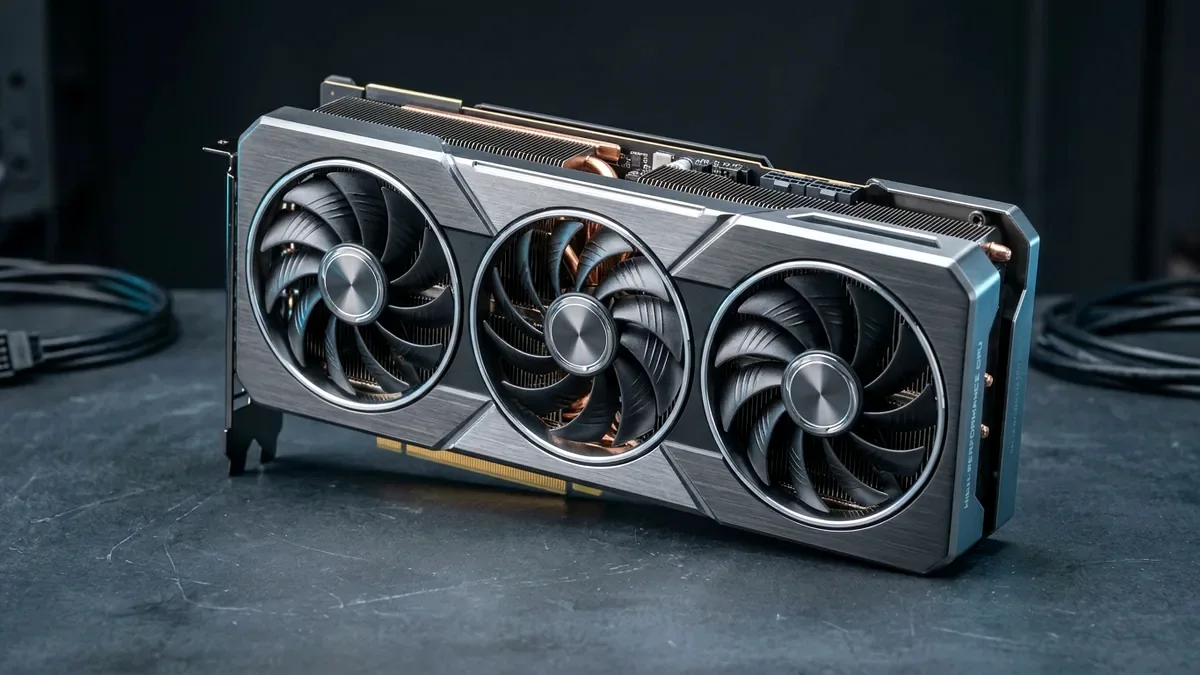
When your PC monitors suddenly go black mid-game, GPU fans roar to 100% emergency speed, and you can still hear Discord voice chat in the background, 85% of cases are caused by ONE of three hardware triggers: (1) A loose 16-pin 12VHPWR / 12V-2x6 sense pin or daisy-chained 8-pin pigtail cable, (2) An aging ATX 2.4 PSU tripping on transient GPU spikes, or (3) Dried-out GPU paste driving the GPU Hotspot temperature past 105°C.
On This Page 9 sections
Here is the exact symptom profile: you are 20 minutes into a demanding 1440p or 4K game when all your monitors suddenly lose signal and go black, your graphics card fans immediately blast to a deafening 100% jet-engine RPM, and yet you can still hear your friends talking in Discord or game music playing for 10-30 seconds until you are forced to hold down your PC’s power button.
Why does that happen? Because your CPU, RAM, and Windows 11 OS did not crash – your graphics card’s onboard microcontroller triggered an emergency hardware failsafe (cutting video output and locking the PWM fan controller to 100% duty cycle). Here is how to diagnose and permanently fix the exact hardware trigger in 15 minutes.
Cure #1 (Most Common on RTX 40/50 Cards): The 4 Tiny Sense Pins on Your 16-Pin 12VHPWR / 12V-2×6 Cable
On NVIDIA RTX 4070/4070 Ti/4080/4090 and RTX 50-series GPUs, look closely at the 16-pin power connector: beneath (or above) the 12 main power pins sit 4 tiny metal sense pins (`SENSE0` and `SENSE1`). Those sense pins tell the GPU continuously that the power cable is connected.
If your PC case’s glass side panel presses against the power adapter, or as the cable warms up during gaming and expands by a fraction of a millimeter, one of those fragile sense wires loses contact for 1 millisecond. The GPU instantly thinks someone yanked the power cord out mid-game – immediately blanking the screen and blasting the fans to 100%!
- Immediate Fix: Turn off your PC, unplug the 16-pin GPU power connector, push it back in firmly until the latch clicks 100% flush with zero visible plastic seam, and ensure the wire does not bend sharply within 35mm of the plug.
- If Your GPU Uses Dual/Triple 8-Pin Connectors (AMD Radeon / Older RTX): Never use a single PCIe power cable with its secondary “daisy-chained pigtail” plugged into both GPU sockets! Run two or three completely separate 8-pin PCIe cables from your power supply to the graphics card.
Cure #2: Check “GPU Hot Spot Temperature” in HWiNFO64 (The 105°C Pump-Out Trap)
Windows Task Manager and NVIDIA/AMD overlays only show average GPU Edge Temperature (which might look completely fine at 68°C-73°C!). Download free HWiNFO64 (Sensors-Only mode) and look at GPU Hot Spot Temperature while launching a game:
- Healthy GPU: GPU Temp is ~66°C and GPU Hot Spot is ~78°C-82°C (a 12°C-16°C difference).
- Pumped-Out Paste Triggering Black Screen + 100% Fans: GPU Temp reads 71°C, but GPU Hot Spot spikes to 105°C-110°C! The instant the Hotspot sensor crosses ~105°C-107°C, the VBIOS triggers emergency thermal shutdown (black screen + 100% fan speed).
- Permanent Fix: Repaste the GPU core with a non-conductive Honeywell PTM7950 Phase-Change Pad ($15 on Amazon), which drops Hotspot temperatures by 20°C+ and never pumps out again.
Cure #3: Check GPU Sag & Clean-Install Drivers with DDU
If pushing lightly on your desk or tapping the PC case triggers the black screen + 100% fan crash, your heavy graphics card is sagging in the PCIe x16 slot and breaking pin contact on the right end of the gold fingers. Add a $9 upHere aluminum magnetic GPU support pillar under the front-right corner of the card, then perform a clean driver reset in Safe Mode using Display Driver Uninstaller (DDU).
Top Tested Amazon Picks at a Glance
#1
9.6/10
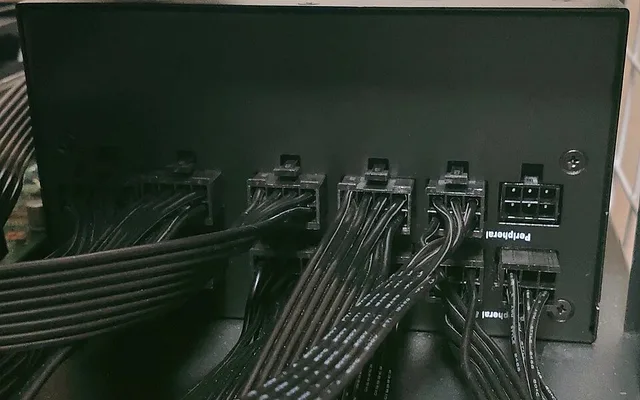
Corsair RM850x SHIFT 850W ATX 3.1 PSU
Native 600W 12V-2×6 / 200% Excursion Safe
View on Amazon
#2
9.5/10
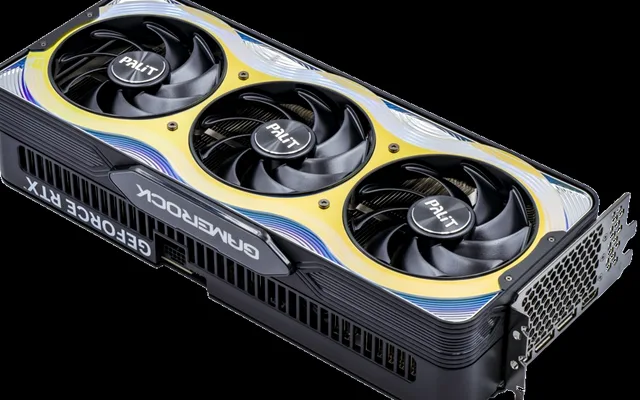
CableMod 90° StealthSense 12V-2×6 Cable
StealthSense Bridge / 600W 16AWG
View on Amazon
#3
9.7/10
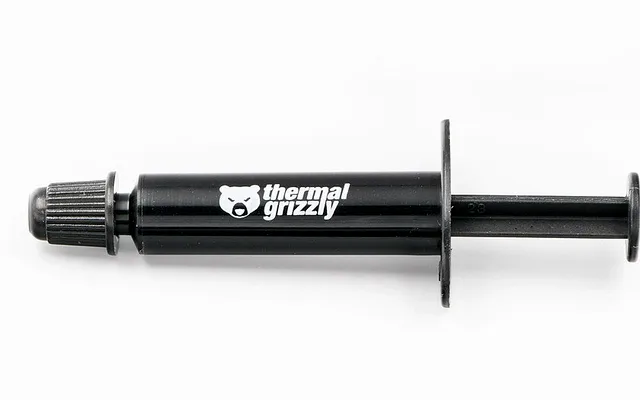
Honeywell PTM7950 Phase-Change Pad
8.5W/mK Phase-Change / Zero Pump-Out
View on Amazon
Recommended Amazon Hardware Fixes (Cable, ATX 3.1 PSU & PTM7950)
| Root Cause Diagnosed | Verified Amazon Hardware Fix | Why It Solves the Crash | Approx. Price |
|---|---|---|---|
| Loose 16-Pin Adapter Sense Wire | CableMod 90° StealthSense 12V-2×6 Cable | Patented internal sense bridge eliminates fragile sense wires + clears side glass | $29 / Amazon |
| Old PSU Tripping on GPU Spikes | Corsair RM850x SHIFT 850W ATX 3.1 PSU | Certified for 200% transient power spikes + includes native 600W 12V-2×6 cable | $139 / Amazon |
| GPU Hotspot Hitting 105°C+ | Honeywell PTM7950 Phase-Change Pad | Drops bare-die GPU Hotspot from 106°C down to ~79°C permanently | $15 / Amazon |
Related Hardware Troubleshooting Guides
Pros
- Native ATX 3.1 600W 12V-2x6 cable & 200% transient excursion handling eliminates black-screen trips
- CableMod StealthSense ($29) removes fragile external sense wires that trigger 100%-fan emergency shutoffs
- Honeywell PTM7950 ($15) cures >105°C GPU Hotspot thermal shutdowns permanently
Cons
- Always shut off the rear PSU power switch before reseating GPU power connectors
Frequently Asked Questions
Why can I still hear Discord voice chat when my screen goes black and GPU fans hit 100%?
Because your CPU, motherboard, RAM, and network card are still running Windows 11 normally! Only the graphics card shut down its video output and triggered its hardware 100%-fan failsafe due to a sense-pin dropout, 12V rail transient dip, or 105u00b0C Hotspot trip.
Why did replacing the free 3-into-1 adapter octopus that came with my GPU stop the black screens?
The stiff braided 3-into-1 adapter cables bundled inside GPU boxes have fragile crimps on the two tiny sense pins. When bent against a glass side panel, those sense pins momentarily disconnect under vibration or thermal expansion - instantly tripping the GPU's black-screen failsafe. Switching to a native ATX 3.1 PSU cable or a CableMod StealthSense cable cures it immediately.
Can an unstable GPU undervolt or overclock cause a black screen with 100% fans?
Usually a driver-only overclock crash triggers a standard Windows `nvlddmkm` / `amduw23g` Timeout Detection and Recovery (TDR) where the screen blinks black for 3 seconds and returns to the desktop at normal fan speed. When the fans lock at 100% permanently until you hard-reboot, it is almost always a power-connector sense pin, PSU transient rail drop, or 105u00b0C Hotspot hardware trip.
How do I check Windows Event Viewer after rebooting from a black-screen crash?
Right-click the Start button > Event Viewer > Windows Logs > System. Look for Error source `nvlddmkm` (NVIDIA) or `amdwddmg` (AMD) right before the `Kernel-Power Event ID 41` (which simply logs that you held the power button to force-restart).