
Fix Low FPS After Upgrading Your Graphics Card (DDU, PCIe Lanes & ReBAR Checklist)
 By
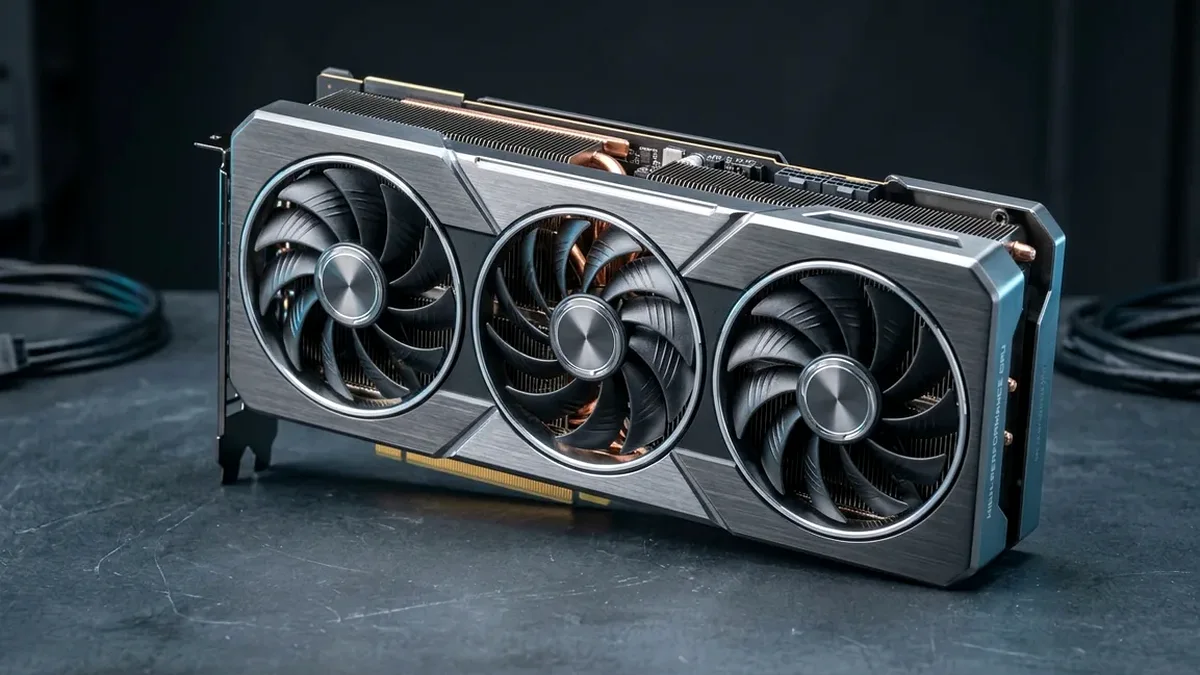
Dropped a new RTX 5070 Ti or RX 9070 XT into your PC only to see barely higher FPS than your old card? Check four things immediately in GPU-Z and Task Manager: (1) Run Display Driver Uninstaller (DDU) in Safe Mode to clear old shader caches and power limits, (2) Check GPU-Z Bus Interface (if your card is stuck running in PCIe x4/x1 or installed in the bottom motherboard slot instead of the top x16 slot), (3) Enable Resizable BAR + Above 4G Decoding in BIOS, and (4) Check single-core CPU bottlenecks.
On This Page 7 sections
Expecting double the frame rate from a $750 graphics card upgrade and getting almost identical FPS is an engineering mystery with a clear mechanical explanation. Every time builders swap GPUs – especially across NVIDIA to AMD or across motherboard BIOS resets – one of five bottlenecks caps the new silicon well below its rated boost clock.
Inspect GPU-Z Link Width, Clocks & PSU Power Draw Under Load
Download free TechPowerUp GPU-Z, click the small ? render test button next to Bus Interface, and read the active value. It must report PCIe x16 4.0 @ x16 4.0 (or x8 4.0/5.0 on x8-wired cards). If you see @ x4 or @ x1, you plugged the GPU into the lower chipset slot or have dirty gold contacts – move the GPU strictly to the top primary slot nearest the CPU.
Verify Dual/Single-Rail Power Plugs, DDU & BIOS XMP/EXPO
Never unplug and swap an AMD/NVIDIA card without running DDU in Windows Safe Mode first. Second, ensure every 8-pin or 12V-2×6 plug is fed by dedicated PSU cables (no pigtails!) on an ATX 3.1 unit like the Corsair RM850x SHIFT, and enter BIOS to confirm XMP / EXPO and Resizable BAR remain active. Finally, monitor GPU usage in-game: if GPU load sits at 55-75% at 1080p/1440p, a CPU upgrade like the Ryzen 7 9800X3D will unlock the trapped frames.
Top Tested Amazon Picks at a Glance
#1
9.8/10
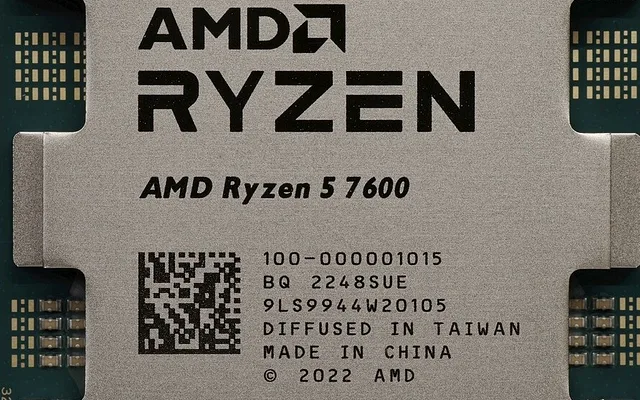
AMD Ryzen 7 9800X3D 8-Core 3D V-Cache CPU
96MB 3D V-Cache / Unmatched 1% Lows
View on Amazon
#2
9.6/10
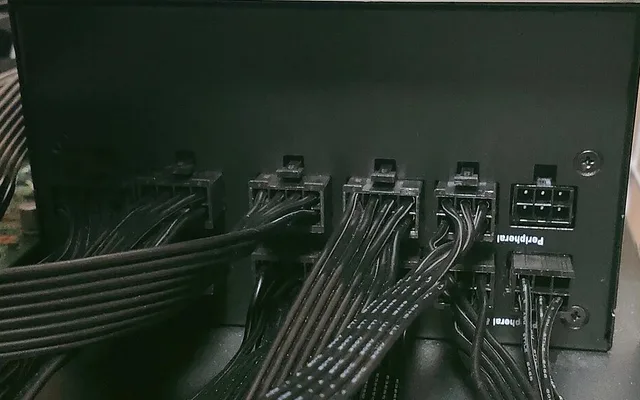
Corsair RM850x SHIFT 850W ATX 3.1 Modular PSU
Native 600W 12V-2×6 / 200% Excursion
View on Amazon
#3
9.6/10
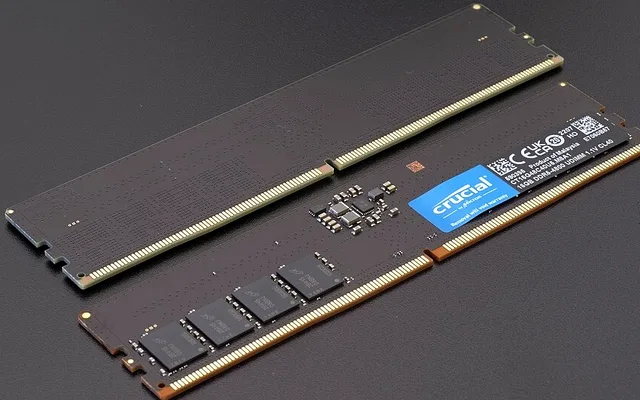
TEAMGROUP T-Create 32GB DDR5-6000 CL30 Kit
6000MT/s CL30 AMD EXPO / Low Latency
View on Amazon
Related Windows 11 & Hardware Diagnostics
Pros
- Removing CPU bottlenecks with a Ryzen 7 9800X3D can lift 1440p FPS by 35-65% on CPU-heavy competitive titles
- Corsair RM850x SHIFT ATX 3.1 delivers stable PCIe 5.1 12V-2x6 power so high-wattage GPUs never hit power-limit throttling
Cons
- Verify physical motherboard slot placement and EXPO/XMP RAM speeds before spending on a CPU upgrade
Frequently Asked Questions
How much FPS do you lose if Resizable BAR is turned off in BIOS?
On Intel Arc GPUs, leaving Resizable BAR disabled can cost 20-40% performance and introduce severe stutter; on NVIDIA RTX 50 and AMD RX 9000 cards, enabling ReBAR boosts average frame rates by 3-12% in supported DirectX 12 titles.