
Fix PC Overheating & CPU/GPU Thermal Throttling (HWiNFO64 Airflow Checklist 2026)
 By
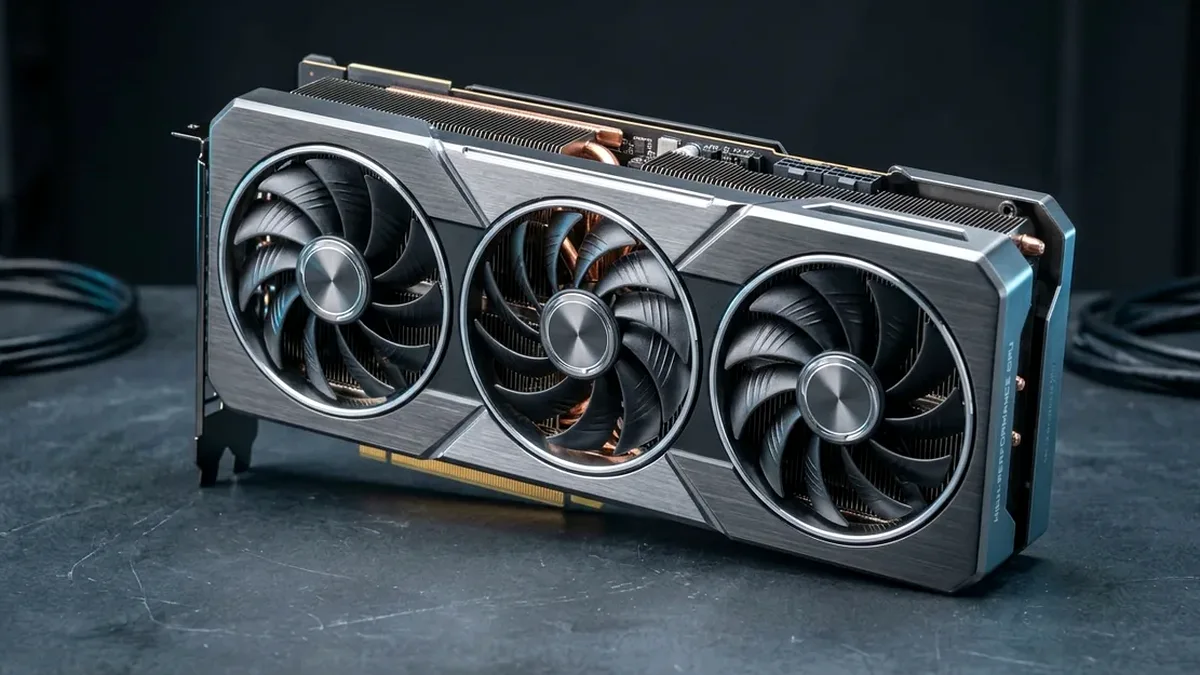
To stop PC overheating fast: (1) Verify CPU Package (TjMax 90C-100C) and GPU Hot Spot (throttle ~102C-110C) in HWiNFO64, (2) Clean intake mesh dust filters and check if your PC front glass chokes intake fans, (3) Replace pumped-out thermal paste with Honeywell PTM7950 phase-change pad or ARCTIC MX-6, and (4) Upgrade sealed cases to a mesh Lian Li Lancool 216.
On This Page 7 sections
When fans roar to maximum RPM and frame rates suddenly drop by 30-50% after 15 minutes of gaming or rendering, modern processors and GPUs are executing hardware thermal throttling to keep silicon junctions below TjMax (95C on Ryzen 7000/9000, 100C on Intel Core, and ~83C edge / ~105C hotspot on modern GPUs). Before spending $500 on parts, run this 10-minute engineering isolation test.
The 60-Second Open-Side-Panel Airflow Test
Launch HWiNFO64 Sensors and log peak GPU & CPU temperatures during 5 minutes of Cyberpunk 2077 or 3DMark Time Spy Stress Test. Now pop off the case’s side panel cleanly. If your GPU temperature plunges by 10C to 18C within two minutes, your components are trapped inside a low-static-pressure case cycling hot exhaust air. Switching to a full-mesh chassis like the Lian Li Lancool 216 resolves the problem immediately.
Catch Bare-Die Pump-Out & Dead AIO Pumps
If open-panel cooling stays hot: check your AIO Pump RPM header (0 RPM or 80C idle CPU indicates impeller failure or airlock) and compare GPU Temp vs GPU Hot Spot. A delta greater than 20C means stock factory paste extruded off the GPU die edge. Replacing it with Honeywell PTM7950 (sold with toolkit on Amazon) drops hotspot temps permanently.
Top Tested Amazon Picks at a Glance
#1
9.7/10
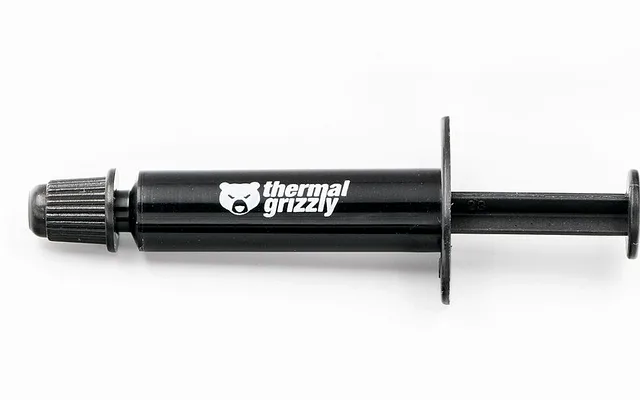
Honeywell PTM7950 Phase-Change Pad
8.5W/mK Phase-Change / Zero Pump-Out
View on Amazon
#2
9.6/10
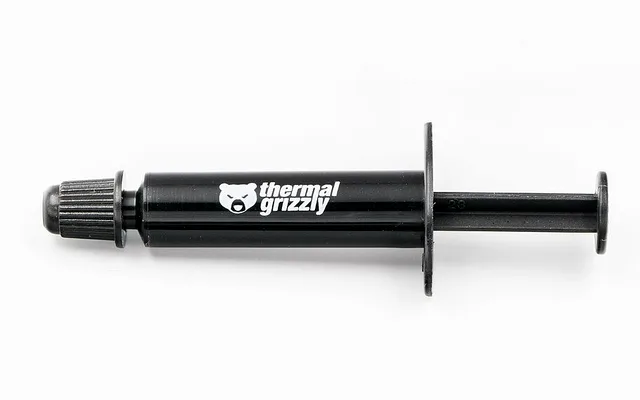
ARCTIC MX-6 4g + Cleaner Wipes Thermal Paste
High-Viscosity Silicone / Zero Curing Time
#3
9.6/10
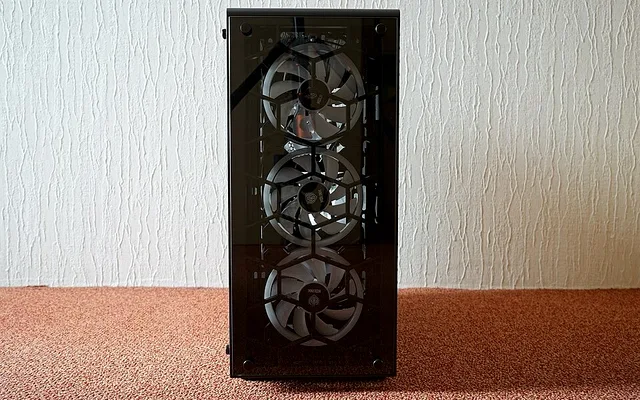
Lian Li Lancool 216 High-Airflow Mesh ATX Case
2x 160mm Front + 1x 140mm Rear PWM
View on Amazon
Related Windows 11 & Hardware Diagnostics
Pros
- Honeywell PTM7950 lowers bare-die GPU Hotspot deltas by 15C-22C permanently without pump-out
- Lian Li Lancool 216 dual 160mm mesh intake drops GPU temps up to 14C vs solid-front cases in Gamers Nexus tests
- ARCTIC MX-6 4g syringe handles 4-6 clean AM5/Intel CPU repastes for under $9
Cons
- Inspect radiator orientation and AIO pump RPM first if upgrading existing water cooling
Frequently Asked Questions
Is 90C-95C safe on an AMD Ryzen 7000 or 9000 processor?
AMD engineered Ryzen 7000 non-X3D chips to boost aggressively up to 95C TjMax safely, while X3D models like the 7800X3D and 9800X3D target lower limits (89C-95C depending on generation). However, keeping gaming temps under 75C preserves higher sustained boost frequencies.
Which direction should case fans blow?
Front and bottom mesh fans should act as intake (pushing cool air in), while rear and top fans act as exhaust (pulling rising hot air out). Running more intake CFM than exhaust creates positive pressure that keeps dust out.