
Fix PC Won’t Boot with Orange DRAM Light on AM5 & DDR5 Builds (2026 Checklist)
 By
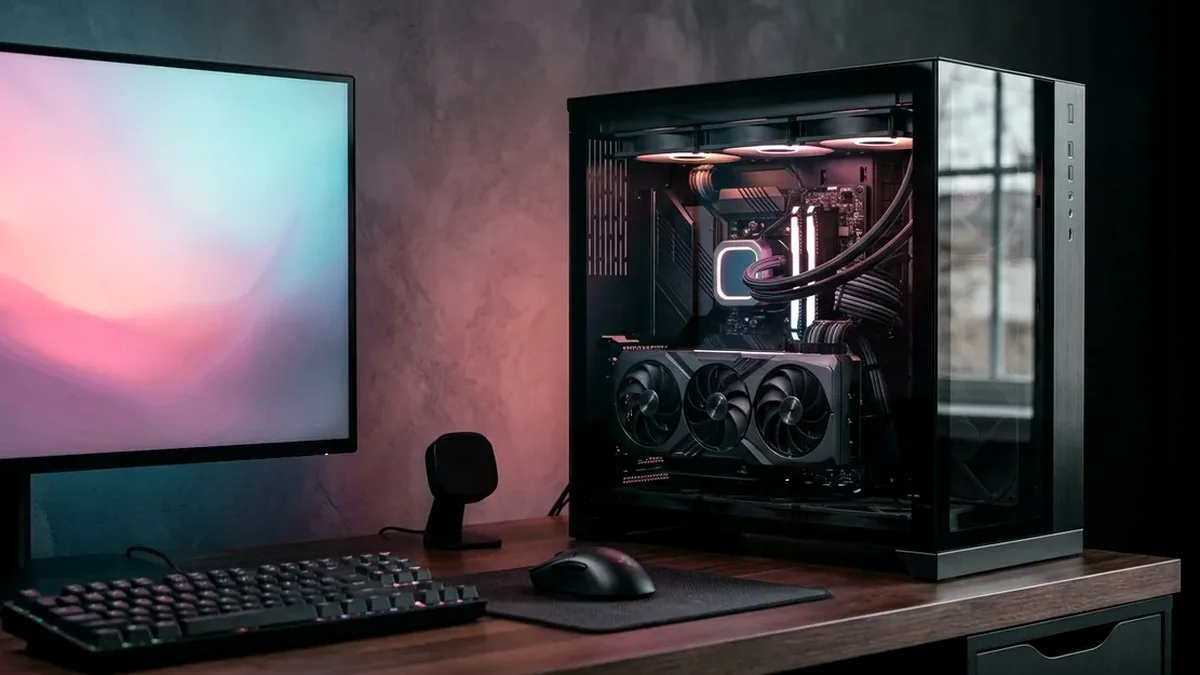
Seeing a solid orange/amber DRAM motherboard LED with black screen on an AM5 Ryzen 7000/9000 build? First, wait 3 full minutes on a brand-new cold boot (initial DDR5 memory training takes 60-180 seconds!). Second, confirm your 2 RAM sticks are seated firmly in slots A2 and B2 (2nd and 4th from CPU). Third, clear CMOS, test 1 stick in A2, and flash the latest BIOS via USB BIOS Flashback before enabling EXPO DDR5-6000 CL30.
On This Page 7 sections
Few new-build moments spark more panic than pressing power on a fresh Ryzen 7 7800X3D or 9800X3D rig, watching all fans spin cleanly, and staring at a blank monitor while the motherboard’s tiny amber DRAM debug LED glows steadily. On DDR5 platforms, training failure has four predictable mechanical and firmware triggers that take 10 minutes to resolve.
Respect the Initial DDR5 Memory Training Timer & Physical A2/B2 Slots
If it is the very first boot after assembly or clearing CMOS, wait a full 3 minutes – do not interrupt power during initial JEDEC memory training. Next, power off at the PSU and check physical slots: 99% of 4-slot ATX boards wire the primary daisy-chain trace to Slots A2 and B2 (the 2nd and 4th slots away from the CPU). Putting sticks in A1/B1 triggers immediate DRAM LED errors.
Reset CMOS, Loosen Over-Tight Cooler Screws & Update AGESA BIOS
Over-torqued CPU cooler thumbscrews can warp the LGA1718 socket slightly and break contact on a memory channel pin; back each mounting screw out half a turn and test a single stick in slot A2. Once booted, update to current AGESA BIOS (which boosts DDR5 compatibility dramatically for TEAMGROUP T-Create 6000 CL30 EXPO) and toggle Memory Context Restore = Enabled + Power Down Enable = Enabled so future Windows boots complete in 12 seconds.
Top Tested Amazon Picks at a Glance
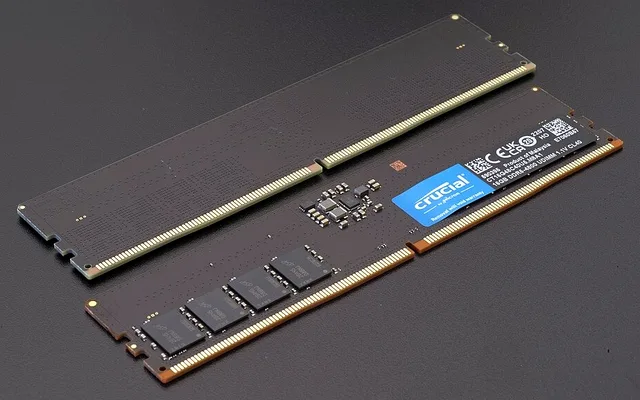
#1
9.6/10
TEAMGROUP T-Create Expert 32GB DDR5-6000 CL30
2x16GB CL30-36-36 / Low-Profile Hynix
View on Amazon
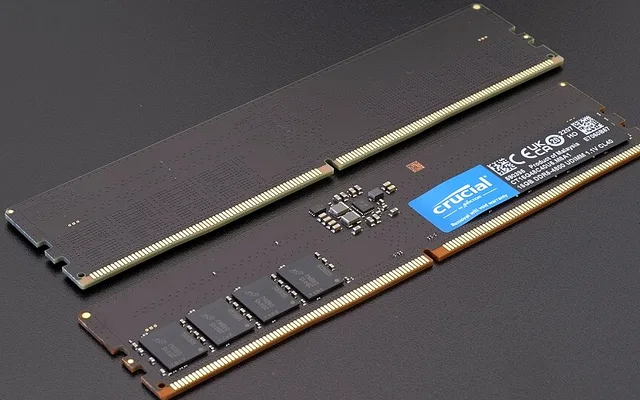
#2
9.5/10
Corsair Vengeance 32GB DDR5-6000 CL30 EXPO
2x16GB CL30 / 100% AM5 QVL Listed
View on Amazon
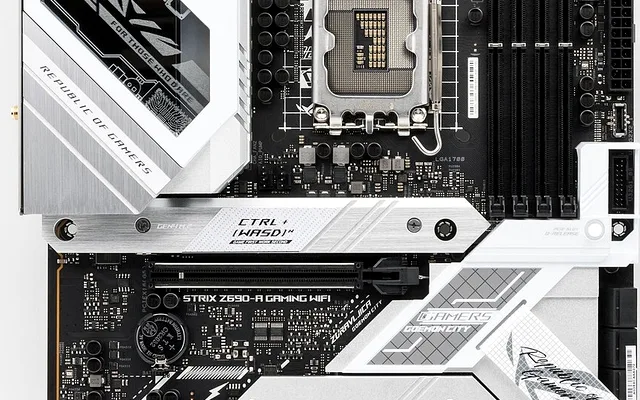
#3
9.5/10
MSI MAG B650 Tomahawk WiFi AM5 Motherboard
14+2 Phase VRM / Rear Flash BIOS Button
View on Amazon
Related Windows 11 & Hardware Diagnostics
Pros
- SK Hynix A-Die/M-Die tight timings maintain stable 1:1 UCLK=MCLK training across MSI, ASUS, ASRock & GIGABYTE AM5 boards
- Low-profile 32mm heatspreader clears dual-tower air coolers like the Thermalright Phantom Spirit without fan interference
Cons
- Running 4 DDR5 sticks instead of 2 forces AM5 IMC clocks down dramatically and often fails EXPO boot
Frequently Asked Questions
Why did my PC run fine for 6 months and suddenly stick on the DRAM orange light?
Sudden DRAM POST failure usually follows enabling Memory Context Restore without Power Down Enable, a loose PSU 24-pin ATX cable, or an unstable Windows/BIOS fast-boot state after a power outage. Clear CMOS cleanly for 30 seconds to restore default JEDEC 4800MT/s boot.
Can I add 2 more DDR5 sticks later for 4 sticks total (64GB)?
Running 4 DIMMs on consumer AM5/Intel DDR5 strains the integrated memory controller heavily, often dropping speeds to 3600MT/s-4800MT/s or causing no-POST orange lights. If you need 64GB, buy a 2x32GB kit instead.