
7 Best Free PC Benchmark & Hardware Monitoring Tools Every Owner Needs (2026)
 By
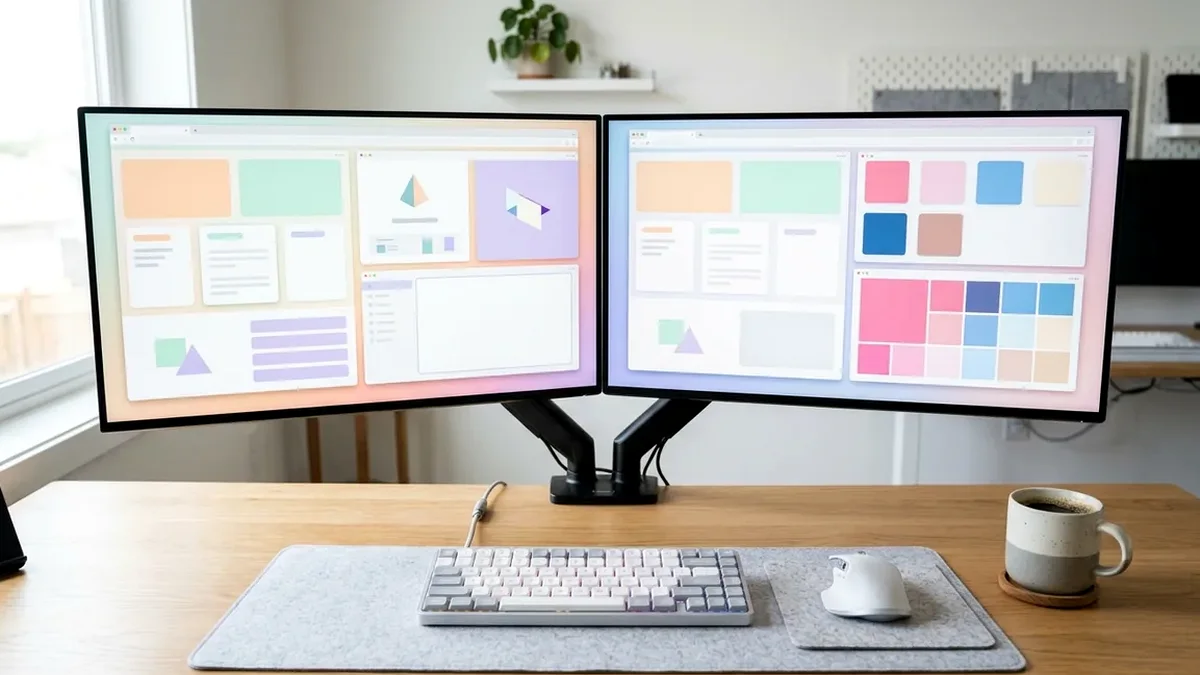
For accurate, adware-free PC testing in 2026, install five verified tools: HWiNFO64 (sensor voltages, GPU Hotspot & DDR5 timings), CapFrameX (true 1% / 0.1% low frame-time telemetry), OCCT (CPU/RAM/VRAM/PSU transient stability), CrystalDiskMark (NVMe random 4K Q1T1 speeds), and Cinebench 2024.
On This Page 9 sections
Modern PC tuning and hardware verification require clean, adware-free diagnostics rather than questionable third-party ‘driver updaters’. Every web utility and desktop engineering tool below is trusted by independent hardware test labs (Gamers Nexus, RTINGS, Hardware Unboxed) and installs zero background bloat.
1. HWiNFO64 (hwinfo.com)
Reads over 200 physical motherboard, VRM, GPU Hotspot, SSD SMART wear, and effective clock stretch metrics without background overhead.
2. CapFrameX (capframex.com)
Uses Intel PresentMon to log true frame-by-frame delivery times (average FPS vs P1 and P0.2 percentiles) and detects PC latency bottlenecks.
3. OCCT Stability Suite (ocbase.com)
Isolates unstable EXPO/XMP memory overclocks, GPU undervolt crashes, and transient PSU 12V rail drops in 15 minutes.
4. CrystalDiskMark 8 (crystalmark.info)
Tests sequential reads alongside true random 4K Q1T1 gaming/OS load throughput cleanly.
Top Tested Amazon Picks at a Glance
#1
9.7/10
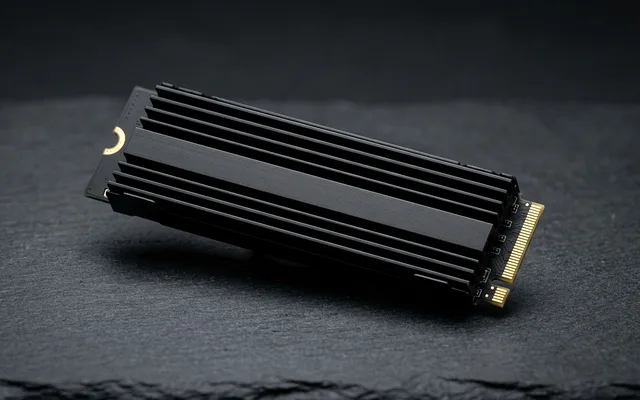
Samsung 990 PRO 2TB PCIe 4.0 NVMe SSD
7,450 MB/s / Top 4K Random IOPS
View on Amazon
#2
9.6/10
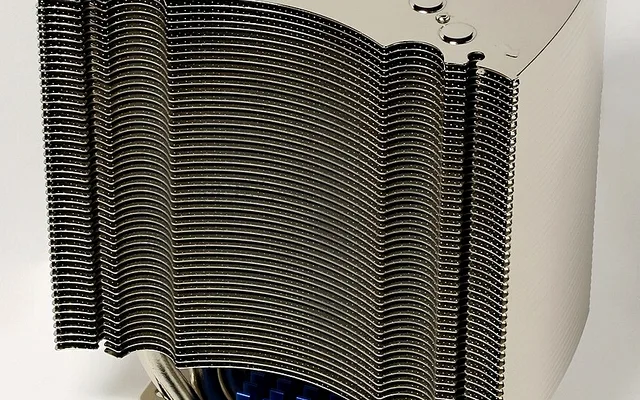
Thermalright Phantom Spirit 120 EVO Cooler
Tames 250W Load / 7 Heatpipes
View on Amazon
#3
9.4/10
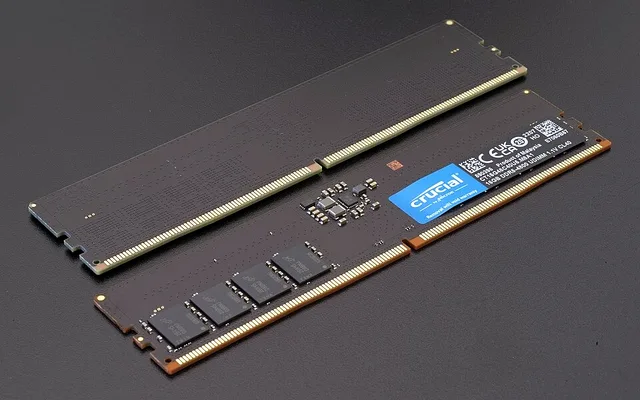
Crucial Pro 64GB DDR5-6000 Desktop Memory
AMD EXPO & Intel XMP 3.0 Certified
View on Amazon
Related PC Optimization & Build Guides
Pros
- Zero telemetry bloatware: lightweight standalone or portable utilities used by hardware engineering labs
- Catch throttling, failing VRM rails, and XMP instability inside a single 15-minute pass
Cons
- Avoid bundled OEM 'PC booster' utilities that run heavy RGB background services
Frequently Asked Questions
Why is HWiNFO64 better than Task Manager for checking PC temperatures?
Windows Task Manager only reports GPU edge temperature and omits CPU core hotspots, SSD controller temps, VRM MOSFET thermals, and 'CPU Effective Clock' throttling indicators.
How long should I run OCCT to verify a new PC build is stable?
Run 30 minutes of OCCT 'CPU + RAM' (Large Data Set) followed by 20 minutes of 'Power' combined load to catch memory bit flips or weak PSU voltage rails early.