
5 Best Free Websites to Test a New Monitor for Dead Pixels, Ghosting & HDR (2026)
 By
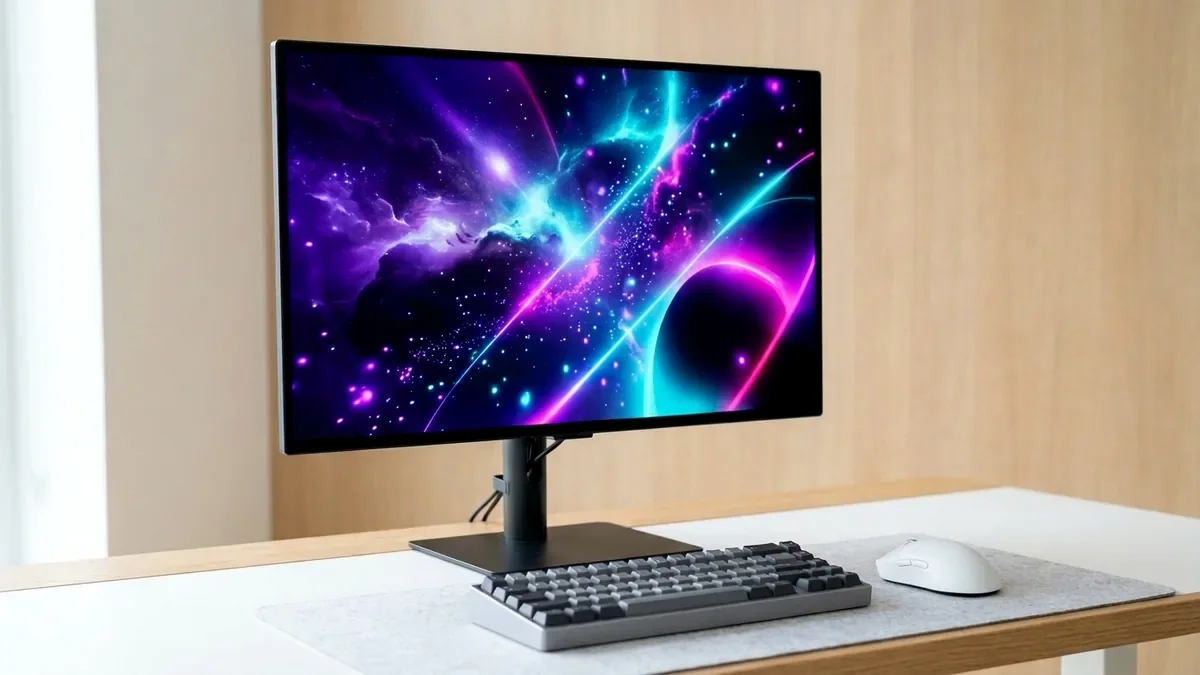
Before throwing away the shipping box on a new monitor, run three browser checks in 5 minutes: EIZO Monitor Test (full-screen solid RGB/black/white uniformity for stuck subpixels and backlight bleed), Blur Busters TestUFO (verifies 144Hz-360Hz frame rate, G-Sync overdrive overshoot, and zero frame skipping), and Lagom LCD Gamma/Contrast charts.
On This Page 9 sections
Modern PC tuning and hardware verification require clean, adware-free diagnostics rather than questionable third-party ‘driver updaters’. Every web utility and desktop engineering tool below is trusted by independent hardware test labs (Gamers Nexus, RTINGS, Hardware Unboxed) and installs zero background bloat.
1. EIZO Monitor Test (eizo.be/monitor-test)
13 full-screen diagnostic screens exposing bright stuck subpixels, dead dark pixels, viewing-angle gamma shift, and IPS glow in 3 minutes.
2. Blur Busters TestUFO (testufo.com)
Industry-standard pursuit motion test proving Windows actually outputs 240Hz/360Hz without frame skipping and exposing white overdrive corona trails.
3. Lagom LCD Test (lagom.nl/lcd-test)
Includes the tiny red/blue-on-magenta sharpness pattern that immediately proves whether your monitor/TV is subsampling text to 4:2:0.
4. VESA DisplayHDR Test (Windows Store / Web HDR)
Checks true 10-bit gradient smoothness and whether Windows HDR calibration clips highlights prematurely at 400 vs 1,000 nits.
Top Tested Amazon Picks at a Glance
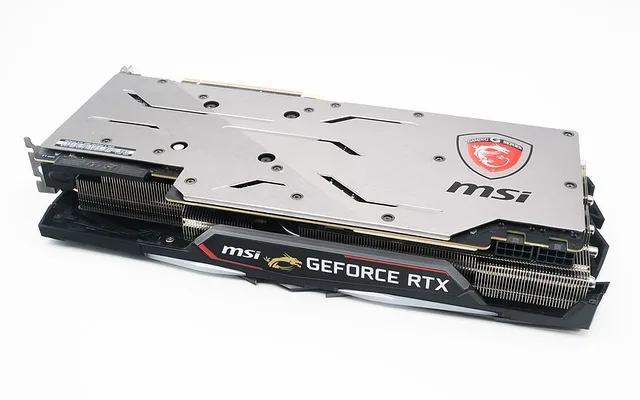
#1
9.6/10
MSI MPG 271QRX QD-OLED 27-Inch 360Hz
0.03ms / Razor-Sharp Pursuit UFOs
View on Amazon
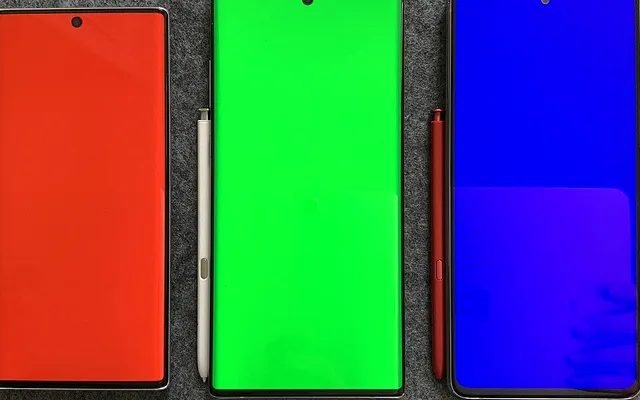
#2
9.4/10
AOC Q27G3XMN 27-Inch 1440p 180Hz Mini-LED
336 Local Dimming Zones / High Contrast
View on Amazon
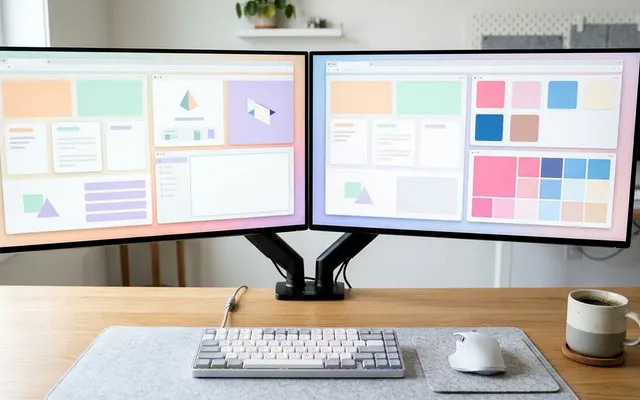
#3
9.4/10
Dell UltraSharp U2723QE 4K IPS Black
2000:1 IPS Black / Delta-E < 2
View on Amazon
Related PC Optimization & Build Guides
Pros
- Zero downloads required: full-screen HTML5 canvas tools run inside Edge, Chrome, or Firefox
- Instantly detects stuck pixels, dirty screen effect (DSE), bad overdrive tuning, and HDMI/DP chroma 4:2:2 text compression
Cons
- Turn off Night Light and Windows f.lux color filters before evaluating white-balance or gamma charts
Frequently Asked Questions
What is the difference between a dead pixel and a stuck subpixel?
A dead pixel shows solid black on white screens (power transistor failed), whereas a stuck subpixel glows continuously red, green, or blue on a black screen and can sometimes recover with rapid color cycling.