
6 Best Private, Zero-Upload Browser Tools for PDF, Image & File Conversion (2026)
 By
Stop uploading sensitive tax PDFs, contracts, or private photos to ad-filled conversion servers. Modern WebAssembly sites execute 100% locally inside your browser tab with zero server uploads: Stirling-PDF / BentoPDF (merge/redact/split PDFs offline), Squoosh.app (Google's local AVIF/WebP image optimizer), Vert.sh (local file conversions), and PairDrop (LAN file sharing).
On This Page 9 sections
Modern PC tuning and hardware verification require clean, adware-free diagnostics rather than questionable third-party ‘driver updaters’. Every web utility and desktop engineering tool below is trusted by independent hardware test labs (Gamers Nexus, RTINGS, Hardware Unboxed) and installs zero background bloat.
1. Squoosh.app
Maintained by Chrome Labs; converts PNG/JPG screenshots into compact WebP/AVIF locally in your browser even when airplane mode is turned on.
2. BentoPDF / Stirling-PDF (Open-Source PDF)
Combines, rotates, compresses, and flattens PDFs right inside browser memory without emailing private paperwork to remote cloud queues.
3. Convert.sh / Vert.sh (Client-Side WASM)
Handles local HEIC, WebM, WAV, JSON, and Markdown conversions inside sandboxed browser workers.
4. PairDrop.net & CyberChef
Shares local files peer-to-peer over home Wi-Fi and verifies file SHA-256 hashes instantly.
Top Tested Amazon Picks at a Glance
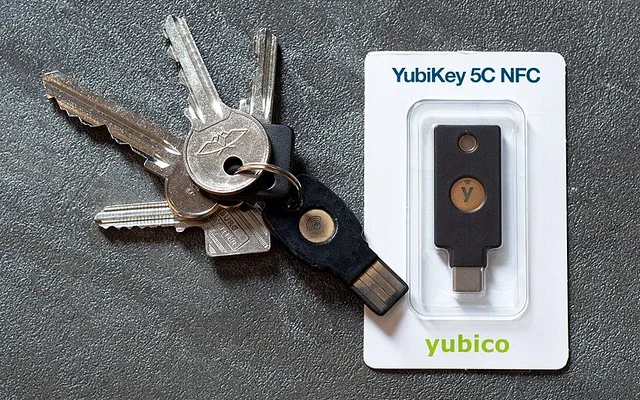
#1
9.7/10
Yubico YubiKey 5C NFC Hardware Security Key
Phishing-Proof FIDO2 Passkeys / USB-C + NFC
View on Amazon
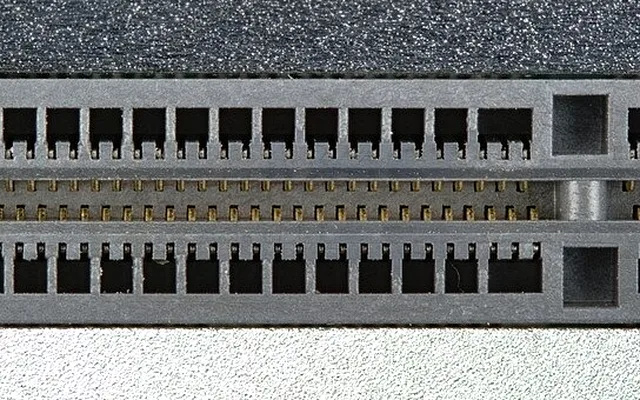
#2
9.4/10
UGREEN 10Gbps Tool-Free USB-C NVMe Enclosure
1,000 MB/s Portable Backup Vault
View on Amazon
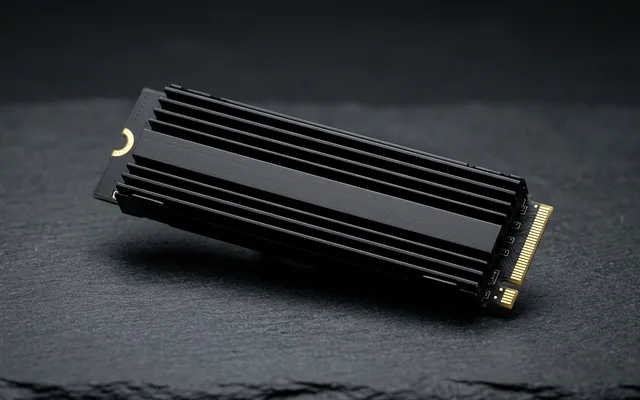
#3
9.7/10
Samsung 990 PRO 2TB NVMe SSD
AES 256-bit Hardware TCG Opal Encryption
View on Amazon
Related PC Optimization & Build Guides
Pros
- Client-side WebAssembly processes documents directly in local RAM - zero external cloud retention risks
- Zero arbitrary '3 files per hour' paywalls or watermark injections
Cons
- Extremely large 4K video transcodes run faster using native FFmpeg / HandBrake instead of browser WASM
Frequently Asked Questions
How can I tell if an online PDF website actually uploads my files or converts them locally?
Open Chrome DevTools (F12) > Network tab before dropping a test file: if you see zero large POST upload requests leaving your PC while the conversion finishes cleanly, processing happens 100% locally in WebAssembly.