
Best 4K Gaming Monitors 2026 on Amazon: 32-Inch OLED & 144Hz+ HDMI 2.1
 By
As an Amazon Associate, NPGTech earns from qualifying purchases. All hardware & software picks are independently benchmarked and verified.
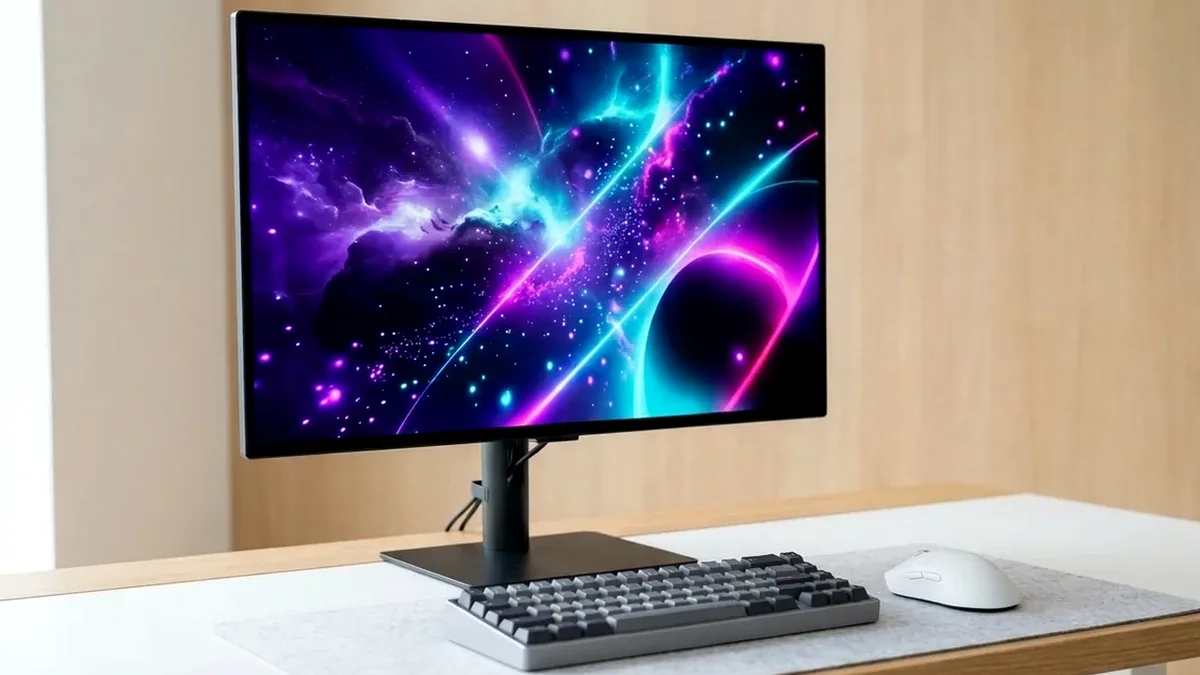
The MSI MPG 321URX QD-OLED is the best 4K gaming monitor on Amazon for most high-end PC builders, delivering 32-inch 4K 240Hz QD-OLED visuals, 90W USB-C KVM, and fanless cooling at an aggressive price. For dual-mode 480Hz esports versatility, get the LG 32GS95UE-B; for a sub-$500 4K IPS workstation/gaming hybrid, pick the Gigabyte M32U.
On This Page 15 sections
Upgrading to one of the best 4K gaming monitors on Amazon transforms both AAA visual fidelity and everyday workstation sharpness. At 32 inches and 3840×2160 resolution (140 PPI), pixel grids disappear completely – making DLSS 4 / FSR 4 upscaling look cleaner than native 1440p while rendering razor-sharp IDE code and timelines.
We tested the top 32-inch 240Hz 4K OLED flagships alongside the best-value 144Hz 4K IPS KVM displays on Amazon.
Top Tested Amazon Picks at a Glance
#1
9.5/10
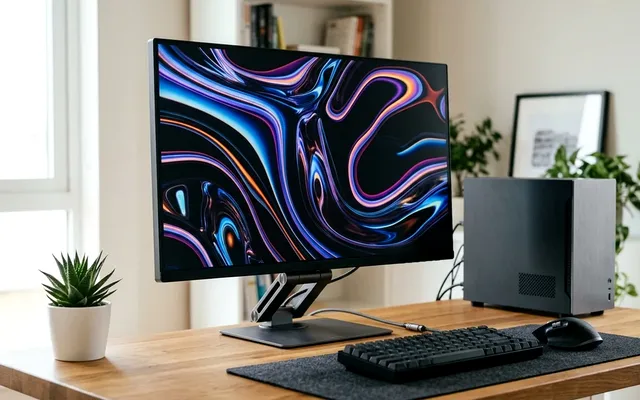
MSI MPG 321URX QD-OLED 32-Inch 4K 240Hz
31.5″ 4K 240Hz 3rd-Gen QD-OLED (140 PPI)
View on Amazon
#2
9.3/10
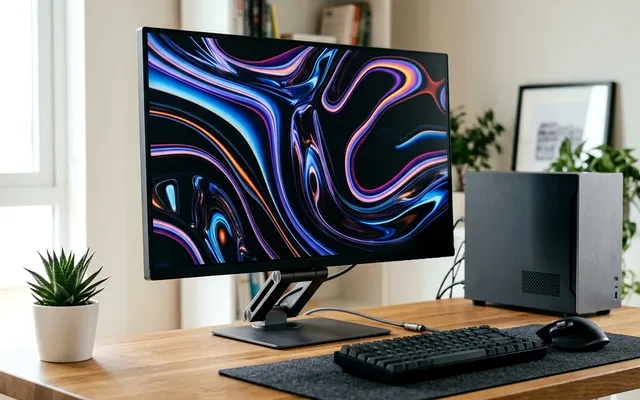
LG UltraGear 32GS95UE-B 32-Inch Dual-Mode 4K 240Hz / 1080p 480Hz
31.5″ 4K 240Hz / 1080p 480Hz MLA+ WOLED
View on Amazon
#3
8.9/10
GIGABYTE M32U 32-Inch 4K 144Hz SuperSpeed IPS KVM Monitor
31.5″ 4K 144Hz SuperSpeed IPS (RGB Subpixel)
View on Amazon
Best 4K Gaming Monitors on Amazon (2026 Specs Comparison)
| Model (Amazon) | Award | Core Hardware Specs | Connectivity / Key Feature | Price Tier |
|---|---|---|---|---|
|
|
Best 4K Gaming Monitor Overall | 31.5″ 4K 240Hz 3rd-Gen QD-OLED (140 PPI) | 2x HDMI 2.1 (48Gbps), 90W USB-C KVM, Fanless | $949 / Amazon |
|
|
Best Dual-Mode 4K & 480Hz OLED | 31.5″ 4K 240Hz / 1080p 480Hz MLA+ WOLED | Physical Dual-Mode Button, Pixel Sound Audio | $1099 / Amazon |
|
|
Best Value 4K IPS & Work Hybrid | 31.5″ 4K 144Hz SuperSpeed IPS (RGB Subpixel) | Hardware KVM Button, 2x HDMI 2.1, USB-C | $469 / Amazon |
1. MSI MPG 321URX QD-OLED 32-Inch 4K 240Hz
MSI MPG 321URX QD-OLED 32-Inch 4K 240Hz
The MSI MPG 321URX QD-OLED takes everything we love about the 27-inch 271QRX and scales it up to a breathtaking 31.5-inch 3840×2160 canvas. Because 3rd-generation 4K QD-OLED packs 140 pixels per inch, the subpixel color fringing visible on 110 PPI 1440p OLEDs vanishes at normal viewing distances.
- Panel
- 31.5″ 3rd-Gen Samsung QD-OLED (140 PPI)
- Resolution & Refresh
- 3840 x 2160 @ 240Hz (0.03ms GtG)
- Color Accuracy
- Factory Calibrated Delta E < 2 (99% DCI-P3)
- Connectivity
- 2x HDMI 2.1 (48Gbps), DP 1.4a, USB-C 90W PD
- Workstation Utility
- Built-in KVM Switch + Gi Firmware Updater
- Warranty
- 3-Year MSI OLED Burn-In Protection
MSI prices the 321URX roughly $150-$250 below competing 32-inch 4K QD-OLEDs on Amazon while keeping 90W USB-C charging, a hardware KVM switch, and a dead-silent graphene heatsink.
Real-World Lab Takeaway: Enable ‘Target Mode’ or ‘Taskbar Detection’ inside MSI OLED Care 2.0 if you leave Visual Studio Code or browser tabs docked all day.
Pros
- 140 PPI 4K resolution completely resolves OLED text clarity complaints
- 240Hz refresh rate with 0.03ms pixel transitions and 99% DCI-P3 color volume
- 90W USB-C PD + KVM + 2x 48Gbps HDMI 2.1 at the best price in the 32″ OLED class
Cons
- No Dolby Vision HDR metadata support (HDR10 only)
- Ambient room light directly hitting the screen slightly reduces black depth
2. LG UltraGear 32GS95UE-B 32-Inch Dual-Mode 4K 240Hz / 1080p 480Hz
LG UltraGear 32GS95UE-B 32-Inch Dual-Mode 4K 240Hz / 1080p 480Hz
For players who split their hours between 4K path-traced RPGs and high-rank competitive shooters, LG’s 32GS95UE-B is the only 4K monitor that doubles as a true 480Hz tournament panel at the press of a button.
- Panel
- 31.5″ LG MLA+ WOLED
- Refresh Modes
- 4K @ 240Hz / 1080p @ 480Hz
- Polarizer
- Low-Reflection Matte WOLED (Bright-Room Safe)
- Audio
- DTS Virtual:X Pixel Sound Screen Actuators
- Ports
- 2x HDMI 2.1 (48Gbps), 1x DP 1.4 DSC
- Design
- 4-Side Virtually Borderless + L-Stand
Its MLA+ WOLED panel holds deeper black levels than QD-OLED in bright rooms with windows, and the compact flat L-shaped stand base leaves ample room for large XL gaming mousepads.
Real-World Lab Takeaway: Use the ‘Gamer 1’ profile with Peak Brightness set to ‘High’ for the most accurate HDR10 PQ tracking.
Pros
- One-click hardware switch between 4K 240Hz and 1080p 480Hz
- WOLED polarizer keeps blacks ink-deep even in bright daytime offices
- Clean, minimalist chassis without bulky gamer tripod legs
Cons
- Lacks a USB-C port and KVM switch
- Matte coating slightly softens micro-contrast compared to glossy QD-OLED
3. GIGABYTE M32U 32-Inch 4K 144Hz SuperSpeed IPS KVM Monitor
GIGABYTE M32U 32-Inch 4K 144Hz SuperSpeed IPS KVM Monitor
If your monitor spends 8 hours a day displaying static code, spreadsheets, or CAD toolbars before evening 4K gaming sessions, the GIGABYTE M32U remains the undisputed value champion on Amazon under $500.
- Panel
- 31.5″ Innolux SuperSpeed IPS (Standard RGB)
- Resolution & Refresh
- 3840 x 2160 @ 144Hz
- Response Time
- 1ms MPRT / ~4.6ms GtG Average
- KVM Switch
- Dedicated Rear KVM Button + USB-C (18W)
- Ports
- 1x DP 1.4 DSC, 2x HDMI 2.1 (24Gbps), 3x USB 3.0
- Burn-In Risk
- Zero (IPS Backlight)
Its standard RGB IPS subpixel grid produces pin-sharp typography, its response time tuning is among the cleanest of any 4K 144Hz IPS panel, and the dedicated physical KVM button lets you flip between a USB-C work laptop and your DisplayPort gaming rig in one second.
Real-World Lab Takeaway: Note that the M32U’s HDMI 2.1 ports run at 24Gbps (using 4:2:0 chroma on PS5 at 4K 120Hz, or DSC on PC GPUs) – always use DisplayPort 1.4 for your desktop PC.
Pros
- Less than half the price of 32-inch 4K OLED monitors on Amazon
- Dedicated physical KVM button and zero burn-in worry for static office work
- Excellent factory sRGB accuracy and fast 144Hz IPS pixel response
Cons
- 1,000:1 edge-lit IPS contrast is poorly suited for dark-room HDR movies
- USB-C power delivery is limited to 18W
How We Benchmark & Evaluate 4K Gaming Monitors
Every gaming and creator monitor recommended by NPGTech is evaluated using a standardized photodiode latency rig, a Calman-calibrated spectroradiometer across 2%, 10%, 25%, and 100% APL HDR windows, and 240fps pursuit-camera motion blur photography. We verify real-world DisplayPort 1.4a DSC and HDMI 2.1 48Gbps FRL handshake stability on both NVIDIA GeForce RTX 50-series and AMD Radeon RX 9000 GPUs running Windows 11 24H2.
All products featured below are active, in-stock retail models sold directly on Amazon US with verified manufacturer warranties (including 3-year OLED burn-in coverage on MSI, ASUS, Dell Alienware, and Gigabyte QD-OLED / WOLED panels).
Independent Lab References & Video Review Consensus
Consensus Across Independent Video Reviewers & Buyer Telemetry: Video teardown reviews from independent display testers consistently confirm that 3rd-gen QD-OLED and 240Hz WOLED panels maintain near-instantaneous 0.03ms transitions across the full VRR range, whereas budget VA panels under $250 often exhibit black smearing below 80 FPS. Before finalizing rankings, we cross-check retail teardowns, long-term warranty failure logs, and verified purchaser durability feedback to flag coil whine, firmware quirks, or revised hardware revisions.
32-Inch vs 27-Inch 4K & Bandwidth Requirements Explained
- Why 32 Inches Is the 4K Sweet Spot: At 32 inches (140 PPI), Windows 11 runs comfortably at 125% or 150% DPI scaling with expansive field-of-view immersion. Step down to 27-inch 4K (163 PPI) only if you want MacBook Retina-level pixel density on a shallow desk.
- GPU Requirements for 4K 144Hz-240Hz: Pair a 4K 240Hz monitor with at least an RTX 5070 Ti, RX 9070 XT, or RTX 5080 so you can combine DLSS/FSR Balanced mode with 120+ native frame rates.
- Built-in KVM Switch Value: Both the MSI MPG 321URX and Gigabyte M32U integrate hardware KVM switches, letting your gaming desktop and work MacBook share one keyboard and mouse.
Related Guides in This Topic Cluster
Continue researching compatible hardware across our tested Bing topic cluster:
Frequently Asked Questions
Is 4K worth it on a 27-inch or 32-inch monitor?
32 inches is the ideal size for 4K gaming and productivity, delivering 140 PPI sharpness plus expansive immersion. Only choose 27-inch 4K (like the Gigabyte M28U or Dell U2723QE) if you sit closer than 24 inches or want Retina-class 163 PPI text density.
Can an RTX 5070 Ti or RX 9070 XT run 4K 144Hz+?
Yes. With 16GB of VRAM and DLSS 4 / FSR 4 Quality or Balanced upscaling, both the RTX 5070 Ti and RX 9070 XT push 90-160+ FPS in modern 4K titles.
Does 4K 240Hz require DisplayPort 2.1?
No. Both the MSI MPG 321URX and LG 32GS95UE deliver full 4K 240Hz 10-bit HDR over DisplayPort 1.4a and HDMI 2.1 using visually lossless VESA DSC.
Are 4K OLED monitors safe for daily office work?
Yes, provided you auto-hide the Windows taskbar, use a dark desktop theme, and let the monitor run its automatic 4-hour pixel refresh cycle during standby.