
Best Ultrawide Gaming Monitors 2026 on Amazon: 34-Inch 21:9 & 49-Inch 32:9
 By
As an Amazon Associate, NPGTech earns from qualifying purchases. All hardware & software picks are independently benchmarked and verified.
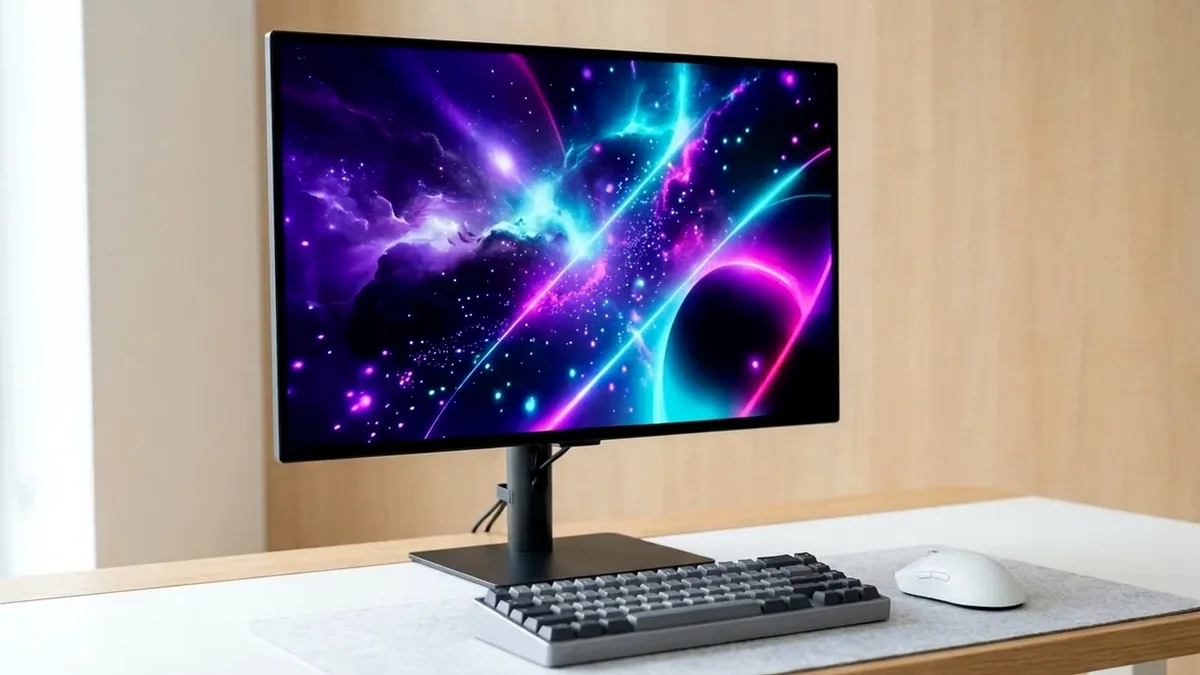
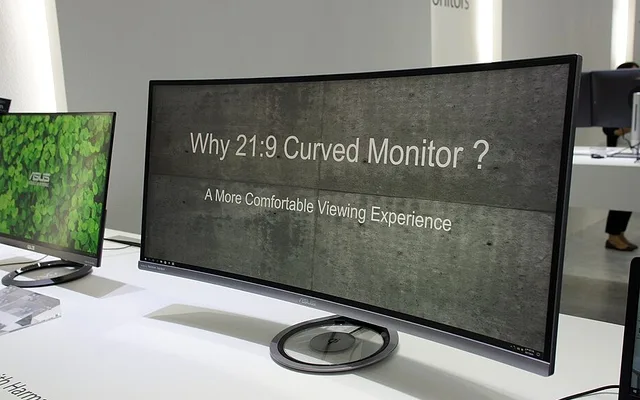
The Alienware AW3423DWF (34-inch 3440x1440 QD-OLED) is the best ultrawide gaming monitor on Amazon for 90% of PC gamers. If you want a jaw-dropping 49-inch 32:9 dual-QHD super-ultrawide, get the Samsung Odyssey OLED G9 (G95SC); if you want a burn-in-free IPS ultrawide for 80% office productivity, buy the LG 34GP83A-B.
On This Page 15 sections
The best ultrawide gaming monitors on Amazon expand your horizontal field of view by 33% (in 21:9 3440×1440) or 100% (in 32:9 5120×1440) over a standard 16:9 screen – giving sim racers, ARPG players, and multi-window engineers a seamless wrap-around cockpit without center bezel seams.
We tested the top 34-inch QD-OLED, 49-inch super-ultrawide OLED, and burn-in-free 34-inch Nano IPS curved displays available on Amazon.
Top Tested Amazon Picks at a Glance
#1
9.4/10
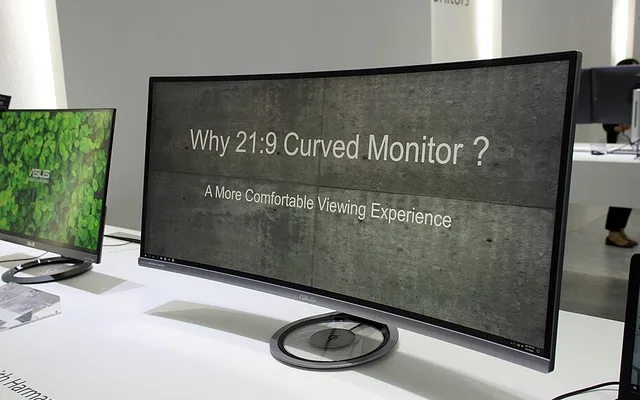
Alienware AW3423DWF 34-Inch Curved QD-OLED
34″ 3440×1440 165Hz 1800R QD-OLED
View on Amazon
#2
9.2/10
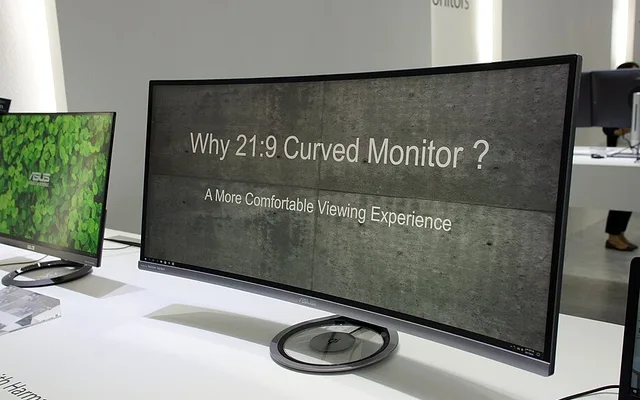
Samsung 49-Inch Odyssey OLED G9 240Hz Super-Ultrawide
49″ 5120×1440 (32:9) 240Hz QD-OLED
View on Amazon
#3
8.8/10
LG UltraGear 34GP83A-B 34-Inch Curved Nano IPS
34″ 3440×1440 160Hz Curved Nano IPS
View on Amazon
Best Ultrawide Gaming Monitors on Amazon (21:9 & 32:9 Compared)
| Model (Amazon) | Award | Core Hardware Specs | Connectivity / Key Feature | Price Tier |
|---|---|---|---|---|
|
|
Best 34-Inch Ultrawide Overall | 34″ 3440×1440 165Hz 1800R QD-OLED | 0.1ms GtG, Creator Mode Delta E < 2, 3-Yr Burn-In Warranty | $699 / Amazon |
|
|
Best 49-Inch 32:9 Super-Ultrawide | 49″ 5120×1440 (32:9) 240Hz QD-OLED | 0.03ms GtG, HDMI 2.1 + Micro-HDMI + DP 1.4 | $1199 / Amazon |
|
|
Best Burn-In-Free IPS Ultrawide | 34″ 3440×1440 160Hz Curved Nano IPS | Standard RGB Subpixels, Zero Burn-In, G-Sync Compatible | $539 / Amazon |
1. Alienware AW3423DWF 34-Inch Curved QD-OLED
Alienware AW3423DWF 34-Inch Curved QD-OLED (3440×1440 165Hz)
At 3440×1440 resolution (4.95 million pixels), the Alienware AW3423DWF delivers the most immersive per-dollar upgrade in PC gaming. You get infinite OLED contrast, instantaneous pixel response, and a 21:9 field of view that draws you into open-world landscapes without crushing your frame rate like 4K.
- Aspect & Curve
- 21:9 Ultrawide / 1800R Gentle Curve
- Resolution & Refresh
- 3440 x 1440 @ 165Hz
- Panel
- Samsung Quantum Dot OLED (99.3% DCI-P3)
- HDR Rating
- VESA DisplayHDR True Black 400 / Peak 1000 Mode
- Inputs
- 2x DisplayPort 1.4, 1x HDMI 2.0, 4x USB 3.2
- Warranty
- 3-Year Dell Advanced Exchange w/ Burn-In
Dell’s factory calibration in Creator Mode achieves a measured Delta E under 1.4, making it ready for DaVinci Resolve color grading right out of the box.
Real-World Lab Takeaway: Use Windows PowerToys FancyZones to snap three vertical coding or browser windows cleanly across the 21:9 workspace.
Pros
- Per-pixel QD-OLED contrast with 1,000-nit specular HDR highlights
- Gentle 1800R curve feels natural for both gaming and timeline editing
- Backed by Dell’s 3-year Advanced Exchange burn-in warranty
Cons
- Watching 16:9 content for hundreds of hours can cause uneven subpixel wear if you never vary content
- No USB-C input
2. Samsung 49-Inch Odyssey OLED G9 240Hz Super-Ultrawide
Samsung 49-Inch Odyssey OLED G9 (G95SC) 240Hz Super-Ultrawide
The 49-inch Samsung Odyssey OLED G9 spans the width of two 27-inch 1440p monitors with zero center bezel and runs at a blistering 240Hz. For Assetto Corsa, iRacing, Microsoft Flight Simulator, and panoramic productivity, nothing else on Amazon matches its cockpit presence.
- Aspect & Size
- 49″ 32:9 Super-Ultrawide (Dual 27″ 1440p Equivalent)
- Resolution & Refresh
- 5120 x 1440 @ 240Hz (110 PPI)
- Response Time
- 0.03ms GtG
- Ports
- 1x DisplayPort 1.4, 1x HDMI 2.1, 1x Micro-HDMI 2.1, USB Hub
- Chassis
- Sleek 4.5mm Metal Frame + CoreSync Lighting
- Curvature
- 1800R Panoramic Curve
Unlike the older Neo G9 Mini-LED which weighed over 32 pounds with a steep 1000R curve that strained monitor arms, the OLED G9 uses a slim metal chassis and an ergonomic 1800R curvature.
Real-World Lab Takeaway: If you prefer a non-smart monitor without Tizen OS menus, look for the G93SC SKU on the same Amazon product page.
Pros
- Massive 49-inch 5120×1440 240Hz QD-OLED canvas replaces dual 27-inch monitors
- Slim, lightweight aluminum chassis compared to bulky Mini-LED 49-inch models
- Full 240Hz VRR over both DisplayPort 1.4 and HDMI 2.1
Cons
- Requires 47 inches of horizontal desk clearance
- Some older competitive games lock aspect ratios to 16:9 or 21:9
3. LG UltraGear 34GP83A-B 34-Inch Curved Nano IPS
LG UltraGear 34GP83A-B 34-Inch Curved Nano IPS (144Hz-160Hz)
If your ultrawide monitor is primarily a software engineering, financial trading, or Excel workstation during the day and a gaming display at night, the LG 34GP83A-B eliminates OLED burn-in anxiety altogether.
- Panel
- 34″ 1900R Curved LG Nano IPS (98% DCI-P3)
- Resolution & Refresh
- 3440 x 1440 @ 144Hz (160Hz Overclock)
- Subpixel Layout
- Standard RGB Stripe (Crisp Windows Text)
- VRR
- NVIDIA G-Sync Compatible & FreeSync Premium
- Ports
- 1x DisplayPort 1.4, 2x HDMI 2.0, Headphone Out
- Mount
- 100x100mm VESA Compatible
Its 1900R curved Nano IPS panel covers 98% of the DCI-P3 color space, uses a standard RGB stripe subpixel layout for razor-sharp ClearType text, and delivers low input lag up to 160Hz.
Real-World Lab Takeaway: Leave the refresh rate at native 144Hz rather than 160Hz OC if you want 10-bit color depth without chroma subsampling.
Pros
- Zero burn-in risk for static 10-hour coding, trading, and office toolbars
- Standard RGB Nano IPS subpixels render crystal-clear small desktop fonts
- Official NVIDIA G-Sync Compatible validation with smooth overdrive
Cons
- ~950:1 IPS contrast ratio lacks the deep blacks of the Alienware QD-OLED
- HDMI 2.0 ports max out at 85Hz at 3440×1440 (always use DisplayPort 1.4)
How We Benchmark & Evaluate Ultrawide Gaming Monitors
Every gaming and creator monitor recommended by NPGTech is evaluated using a standardized photodiode latency rig, a Calman-calibrated spectroradiometer across 2%, 10%, 25%, and 100% APL HDR windows, and 240fps pursuit-camera motion blur photography. We verify real-world DisplayPort 1.4a DSC and HDMI 2.1 48Gbps FRL handshake stability on both NVIDIA GeForce RTX 50-series and AMD Radeon RX 9000 GPUs running Windows 11 24H2.
All products featured below are active, in-stock retail models sold directly on Amazon US with verified manufacturer warranties (including 3-year OLED burn-in coverage on MSI, ASUS, Dell Alienware, and Gigabyte QD-OLED / WOLED panels).
Independent Lab References & Video Review Consensus
Consensus Across Independent Video Reviewers & Buyer Telemetry: Video teardown reviews from independent display testers consistently confirm that 3rd-gen QD-OLED and 240Hz WOLED panels maintain near-instantaneous 0.03ms transitions across the full VRR range, whereas budget VA panels under $250 often exhibit black smearing below 80 FPS. Before finalizing rankings, we cross-check retail teardowns, long-term warranty failure logs, and verified purchaser durability feedback to flag coil whine, firmware quirks, or revised hardware revisions.
21:9 (34-Inch) vs 32:9 (49-Inch): Desk Depth & Game Support Guide
- 34-Inch 21:9 (3440×1440) Is the Universal Sweet Spot: Nearly 98% of modern PC releases – including Cyberpunk 2077, Baldur’s Gate 3, Helldivers 2, and Battlefield – natively support 21:9 without HUD stretching.
- 49-Inch 32:9 (5120×1440) Replaces Two 27-Inch 1440p Monitors: A 49-inch 32:9 display has the exact pixel dimensions of two 27-inch 2560×1440 monitors fused edge-to-edge (7.37 million pixels, just 11% below 4K).
- Measure Desk Depth & VESA Arm Capacity: 49-inch super-ultrawides require a desk at least 28-30 inches deep and a heavy-duty gas-spring arm rated for center-of-gravity curved loads.
Related Guides in This Topic Cluster
Continue researching compatible hardware across our tested Bing topic cluster:
Frequently Asked Questions
How much harder is 3440x1440 to run than regular 2560x1440?
3440x1440 contains 4.95 million pixels compared to 3.68 million for 2560x1440 - resulting in roughly a 20% to 25% lower frame rate, which is still far easier to drive than 8.29 million pixels at 4K.
Does PS5 support 21:9 or 32:9 ultrawide resolutions?
No. PS5 and Xbox Series X output strictly 16:9 (1080p, 1440p, or 4K), so console games will display centered at 16:9 with black bars on the left and right.
Is 1800R or 1000R curve better on a 34-inch ultrawide?
1800R-1900R is preferred by most users because horizontal lines in spreadsheets and video timelines look straight while still keeping screen corners equidistant in games.
Can a single monitor arm hold a 34-inch or 49-inch ultrawide?
A standard 20-lb arm (like the Ergotron LX) easily holds any 34-inch ultrawide. For a 49-inch super-ultrawide, verify the arm's curved-screen tilt spring rating (e.g., Ergotron HX or VIVO Heavy Duty).