
Best Portable Monitors for Laptops 2026 on Amazon: USB-C & 144Hz Tested
 By
As an Amazon Associate, NPGTech earns from qualifying purchases. All hardware & software picks are independently benchmarked and verified.
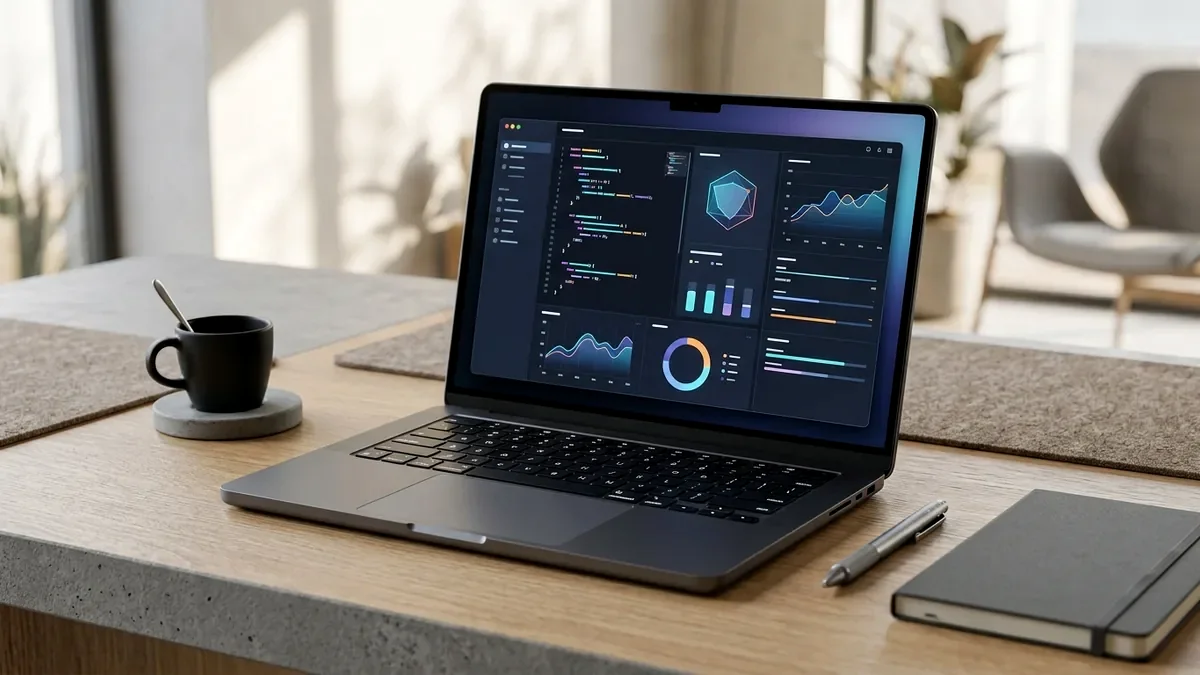
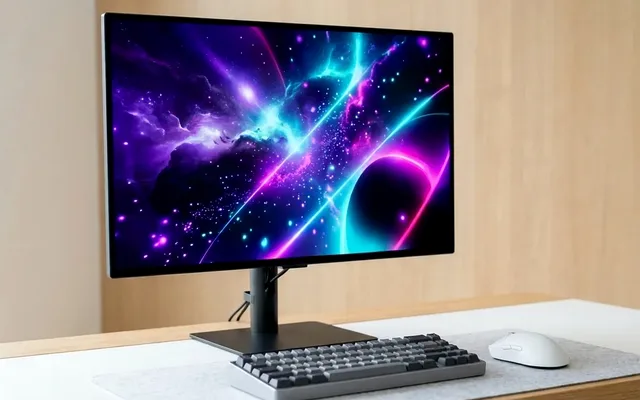
The ARZOPA Z1FC 16.1-Inch 144Hz Portable Monitor (~$109 on Amazon) is the best overall portable monitor thanks to its smooth 144Hz IPS panel, built-in metal kickstand, and single-cable USB-C + Mini-HDMI flexibility. For corporate travel durability and auto-rotation, get the ASUS ZenScreen MB166C; for 100% DCI-P3 OLED contrast on the go, pick the ViewSonic VX1655-4K-OLED.
On This Page 15 sections
Adding one of the best portable monitors for laptops from Amazon instantly doubles your coding, spreadsheet, or gaming workspace inside a hotel room, coffee shop, or client office while adding less than 1.7 pounds to your backpack.
We tested single-cable USB-C 1080p/2.5K IPS and 144Hz portable gaming displays on Amazon for brightness stability on laptop bus power, kickstand sturdiness, and pass-through USB-C charging.
Top Tested Amazon Picks at a Glance
#1
9.2/10
ARZOPA Z1FC 16.1-Inch 144Hz Portable Gaming & Laptop Monitor
16.1″ 1080p 144Hz IPS (100% sRGB, 1.7 lbs)
View on Amazon
#2
8.9/10
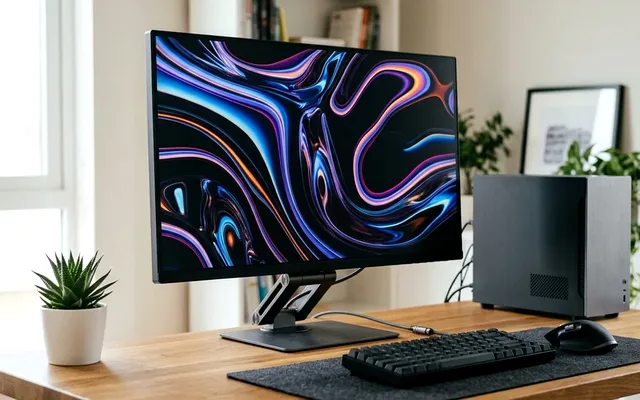
ASUS ZenScreen MB166C 15.6-Inch USB Type-C Portable Monitor
15.6″ 1080p 60Hz Anti-Glare IPS (1.72 lbs)
View on Amazon
#3
9.3/10
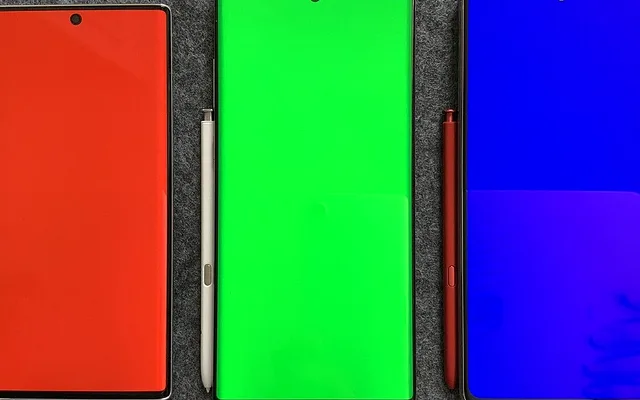
ViewSonic VX1655-4K-OLED 15.6-Inch 4K OLED Portable Monitor
15.6″ 4K UHD (3840×2160) OLED (100% DCI-P3)
View on Amazon
Best Portable Monitors for Laptops on Amazon (2026 Comparison)
| Model (Amazon) | Award | Core Hardware Specs | Connectivity / Key Feature | Price Tier |
|---|---|---|---|---|
|
|
Best Portable Monitor Overall | 16.1″ 1080p 144Hz IPS (100% sRGB, 1.7 lbs) | Built-in Metal Kickstand, 2x USB-C + Mini-HDMI | $109 / Amazon |
|
|
Best Reliable Business Travel Pick | 15.6″ 1080p 60Hz Anti-Glare IPS (1.72 lbs) | Single USB-C Cable, Tripod Thread + Folio Sleeve, Auto-Rotate | $139 / Amazon |
|
|
Best 4K OLED Portable Monitor for Creators | 15.6″ 4K UHD (3840×2160) OLED (100% DCI-P3) | 60W Two-Way USB-C PD, Built-in Kickstand + Magnetic Cover | $479 / Amazon |
1. ARZOPA Z1FC 16.1-Inch 144Hz Portable Gaming & Laptop Monitor
ARZOPA Z1FC 16.1-Inch 144Hz Portable Gaming & Laptop Monitor
The ARZOPA Z1FC dominates Amazon’s portable monitor charts because it fixes the two biggest flaws of budget travel screens: 60Hz cursor lag and floppy magnetic cases. Its 16.1-inch 100% sRGB IPS panel runs at a buttery 144Hz over a single USB-C cable, making window dragging on macOS/Windows and handheld Steam Deck or ROG Ally gaming feel noticeably more responsive.
- Screen Size & Panel
- 16.1″ 1920×1080 Anti-Glare IPS (100% sRGB)
- Refresh Rate
- 144Hz over USB-C & Mini-HDMI
- Weight & Thickness
- 1.7 lbs (770g) / 0.3-Inch Slim Aluminum
- Stand Design
- Integrated 80° Stepless Metal Kickstand
- Ports
- 2x Full-Function USB-C (PD + Video), 1x Mini-HDMI
- Included Cables
- USB-C to USB-C, Mini-HDMI to HDMI, USB-A to C
The CNC aluminum chassis incorporates a flush fold-out metal kickstand that props the display in either landscape or vertical portrait coding mode without adding a bulky leather cover.
Real-World Lab Takeaway: Plug your USB-C cable into either of the two full-featured USB-C ports on the left edge for instant 144Hz plug-and-play.
Pros
- Smooth 144Hz IPS panel and 16.1-inch screen area for around $109 on Amazon
- Built-in aluminum kickstand supports both landscape and vertical portrait orientation
- Works over a single USB-C cable with laptops, MacBooks, Steam Deck, and Switch
Cons
- Built-in 1W speakers are quiet (use laptop speakers or headphones)
- 300-nit peak brightness is designed for indoor offices/cafes rather than direct outdoor sun
2. ASUS ZenScreen MB166C 15.6-Inch USB Type-C Portable Monitor
ASUS ZenScreen MB166C 15.6-Inch USB Type-C Portable Monitor
When you travel for client presentations or remote engineering sprints and need bulletproof brand reliability with minimal laptop battery drain, the ASUS ZenScreen MB166C is the corporate standard on Amazon. Drawing under 8 watts at typical indoor brightness, it adds minimal load to your laptop battery.
- Panel
- 15.6″ 1920×1080 Matte Anti-Glare IPS
- Power Draw
- <8W Ultra-Low Laptop Battery Drain
- Connectivity
- Single USB-C (DP Alt Mode + Power)
- Mount Options
- 1/4″ Standard Tripod Socket + Foldable Smart Sleeve
- Eye Care
- TÜV Rheinland Flicker-Free & Low Blue Light
- Warranty
- 3-Year ASUS Commercial Warranty
A standard 1/4-inch threaded camera socket on the rear also lets you mount the ZenScreen on top of a compact desk tripod so the screen sits at eye level above your laptop keyboard.
Real-World Lab Takeaway: Install the ASUS DisplayWidget utility on Windows to enable automatic G-sensor rotation when you flip the screen vertically.
Pros
- Ultra-low <8W power consumption preserves laptop battery life on flights
- Rear 1/4-inch tripod thread allows eye-level mounting above your laptop
- Backed by a 3-year ASUS warranty and TÜV Flicker-Free backlight
Cons
- Single USB-C port (no pass-through charging or HDMI input; check the MB16AMT/MB16ACV if you need HDMI)
- 60Hz refresh rate
3. ViewSonic VX1655-4K-OLED 15.6-Inch 4K OLED Portable Monitor
ViewSonic VX1655-4K-OLED 15.6-Inch 4K OLED Portable Monitor
If you use an OLED laptop or a MacBook Pro with a Liquid Retina XDR screen, a regular 1080p IPS portable monitor looks noticeably dimmer and less sharp next to it. The ViewSonic VX1655-4K-OLED matches flagship laptop screens with a 282 PPI 4K OLED panel covering 100% of the DCI-P3 cinema gamut.
- Panel
- 15.6″ 4K UHD (3840×2160) Self-Emissive OLED (282 PPI)
- Color & Contrast
- 100% DCI-P3 / 100,000:1 Native OLED Contrast
- Thickness & Weight
- 0.2″ Ultra-Thin Wing / 1.5 lbs (680g)
- Connectivity
- 2x USB-C (60W Pass-Through PD), 1x Mini-HDMI
- Stand
- Integrated Metal Kickstand + Protective Magnetic Cover
- Warranty
- 3-Year ViewSonic Limited Warranty
At just 1.5 pounds with an integrated kickstand and 60W USB-C pass-through power delivery, it serves as a reference-grade portable color grading monitor for on-location photographers and editors.
Real-World Lab Takeaway: Connect a 65W+ GaN USB-C charger to the second USB-C port when grading HDR video to unlock peak 400+ nit OLED luminance.
Pros
- Retina-class 282 PPI 4K OLED sharpness with 100% DCI-P3 color and infinite contrast
- Includes both a rigid built-in kickstand and a snap-on travel screen cover
- 60W USB-C pass-through power charges your ultrabook through the monitor
Cons
- Costs four times as much as 1080p IPS portable monitors
- Glossy OLED screen reflects bright overhead airplane cabin lights
How We Benchmark & Evaluate Portable USB-C Monitors
Every gaming and creator monitor recommended by NPGTech is evaluated using a standardized photodiode latency rig, a Calman-calibrated spectroradiometer across 2%, 10%, 25%, and 100% APL HDR windows, and 240fps pursuit-camera motion blur photography. We verify real-world DisplayPort 1.4a DSC and HDMI 2.1 48Gbps FRL handshake stability on both NVIDIA GeForce RTX 50-series and AMD Radeon RX 9000 GPUs running Windows 11 24H2.
All products featured below are active, in-stock retail models sold directly on Amazon US with verified manufacturer warranties (including 3-year OLED burn-in coverage on MSI, ASUS, Dell Alienware, and Gigabyte QD-OLED / WOLED panels).
Independent Lab References & Video Review Consensus
Consensus Across Independent Video Reviewers & Buyer Telemetry: Video teardown reviews from independent display testers consistently confirm that 3rd-gen QD-OLED and 240Hz WOLED panels maintain near-instantaneous 0.03ms transitions across the full VRR range, whereas budget VA panels under $250 often exhibit black smearing below 80 FPS. Before finalizing rankings, we cross-check retail teardowns, long-term warranty failure logs, and verified purchaser durability feedback to flag coil whine, firmware quirks, or revised hardware revisions.
How to Check If Your Laptop USB-C Port Supports Single-Cable Portable Monitors
- Verify USB-C DisplayPort Alt-Mode (Or Thunderbolt 3/4): Look for a lightning bolt (Thunderbolt) or ‘D’ DisplayPort icon next to your laptop’s USB-C port. All MacBooks since 2016 and almost all Windows laptops since 2021 support single-cable USB-C video + power.
- Built-in Metal Kickstand Beats Flimsy Magnetic Origami Covers: Magnetic folio sleeves slide down on slick airplane or cafe tables. A rigid integrated hinge kickstand (like on the ARZOPA Z1FC or ViewSonic) holds any angle securely.
- Pass-Through PD Charging Keeps Brightness at 100%: When running solely off laptop battery power, portable monitors often cap brightness at 60-80%. Plug your laptop USB-C charger into the monitor’s second USB-C port to unlock 100% brightness while pass-through charging your laptop.
Related Guides in This Topic Cluster
Continue researching compatible hardware across our tested Bing topic cluster:
Frequently Asked Questions
Why does my portable monitor blink on and off when plugged into my laptop?
That indicates your laptop's USB-C port isn't supplying enough wattage for 100% brightness + speaker volume. Lower the portable monitor's brightness to 60-70%, or plug a USB-C wall charger/power bank into the monitor's second USB-C PD port.
Can I connect a portable monitor to a laptop that only has HDMI and USB-A?
Yes! Use the included Mini-HDMI to HDMI cable for the video signal AND plug the USB-A to USB-C cable into your laptop's USB-A port to power the screen.
Do portable USB-C monitors work with iPhone 15/16 Pro and iPad Pro?
Yes. Any USB-C iPad or USB-C iPhone 15/16 outputs video directly over a single USB-C cable to the ARZOPA Z1FC or ViewSonic monitor (install a power bank on the second USB-C port when connecting a phone).
Is 15.6 inches or 16.1 inches better for a portable monitor?
16.1 inches fits inside standard 15.6-inch laptop backpack sleeves because its ultra-thin bezels keep the outer footprint almost identical while giving you 7% more viewing area.