
Best Curved Gaming Monitors 2026 on Amazon: 1800R OLED & 1000R 4K Tested
 By
As an Amazon Associate, NPGTech earns from qualifying purchases. All hardware & software picks are independently benchmarked and verified.
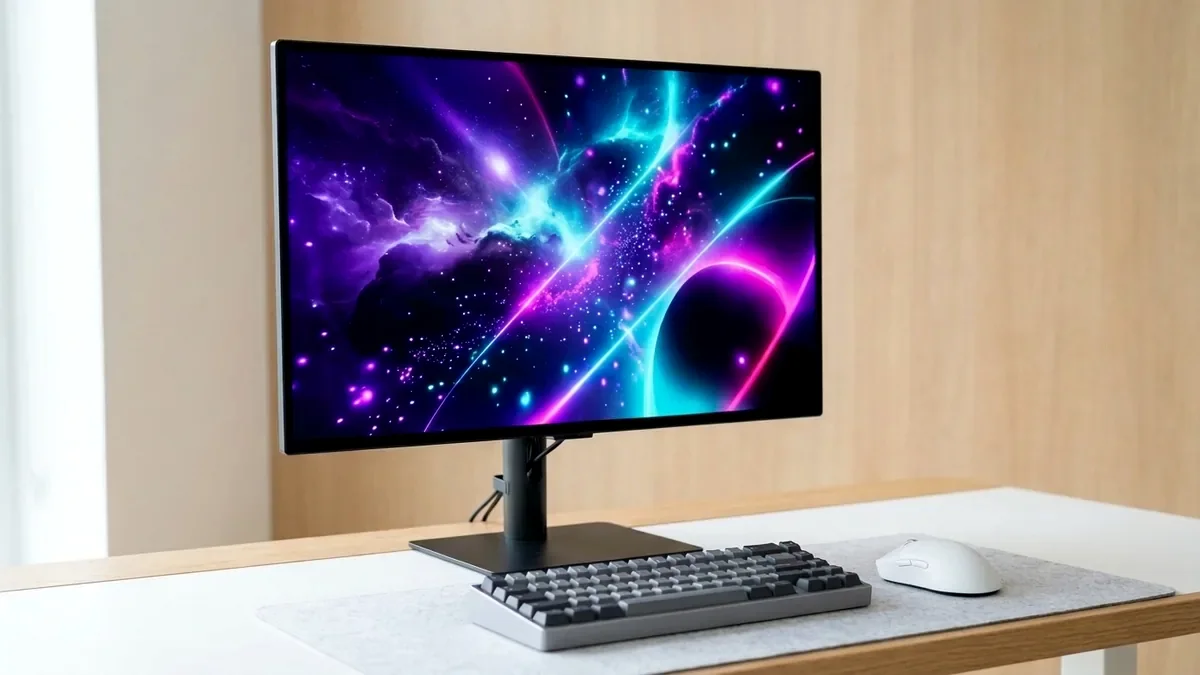
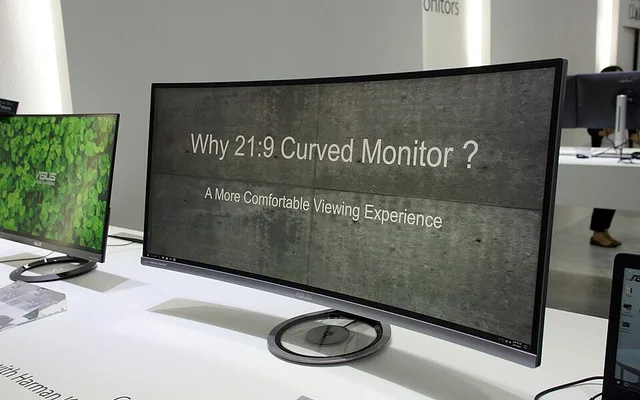
The Alienware AW3423DWF (34-inch 1800R QD-OLED) is the best curved gaming monitor on Amazon overall for its natural 21:9 curvature and per-pixel OLED contrast. For a 16:9 32-inch 4K 240Hz curved Mini-LED powerhouse, choose the Samsung Odyssey Neo G8; for a budget 27-inch 240Hz curved monitor under $200, get the AOC C27G2Z.
On This Page 15 sections
The best curved gaming monitors on Amazon match the natural focal arc of human peripheral vision, keeping the left and right edges of wide 27-inch, 32-inch, and 34-inch panels at a constant focal distance from your eyes while preventing off-axis contrast wash-out.
We tested gentle 1800R QD-OLED curved monitors alongside aggressive 1000R 4K 240Hz Mini-LED and budget 1500R 240Hz panels on Amazon.
Top Tested Amazon Picks at a Glance
#1
9.4/10
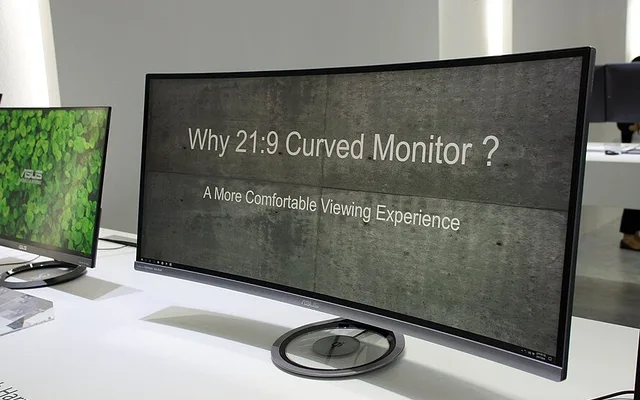
Alienware AW3423DWF 34-Inch 1800R Curved QD-OLED
34″ 3440×1440 165Hz 1800R QD-OLED
View on Amazon
#2
9.0/10
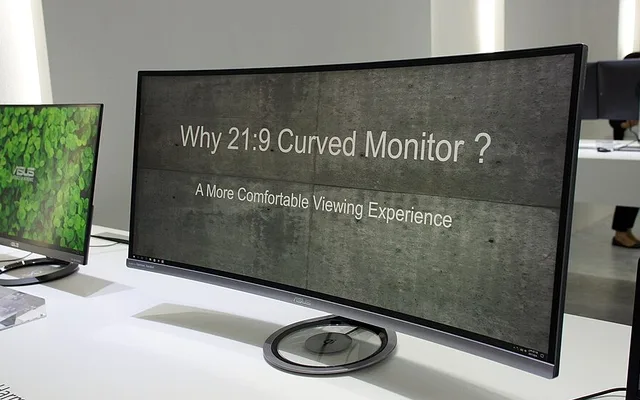
Samsung 32-Inch Odyssey Neo G8
32″ 4K 240Hz 1000R Quantum Mini-LED (1,196 Zones)
View on Amazon
#3
8.6/10
AOC C27G2Z 27-Inch Curved Frameless Gaming Monitor
27″ 1080p 240Hz 1500R Curved VA (0.5ms MPRT)
View on Amazon
Best Curved Gaming Monitors on Amazon (Curvature & Panel Comparison)
| Model (Amazon) | Award | Core Hardware Specs | Connectivity / Key Feature | Price Tier |
|---|---|---|---|---|
|
|
Best Curved Gaming Monitor Overall | 34″ 3440×1440 165Hz 1800R QD-OLED | 0.1ms GtG, Infinite Contrast, 3-Year Burn-In Warranty | $699 / Amazon |
|
|
Best 16:9 4K 1000R Curved Monitor | 32″ 4K 240Hz 1000R Quantum Mini-LED (1,196 Zones) | Quantum HDR 2000, Zero Burn-In, 2x HDMI 2.1 | $799 / Amazon |
|
|
Best Budget 240Hz Curved Under $180 | 27″ 1080p 240Hz 1500R Curved VA (0.5ms MPRT) | Full Height/Swivel Stand, 3-Year Zero-Bright-Dot Warranty | $169 / Amazon |
1. Alienware AW3423DWF 34-Inch 1800R Curved QD-OLED
Alienware AW3423DWF 34-Inch 1800R Curved QD-OLED (165Hz)
On a 34-inch 21:9 monitor, a flat screen forces your eyes to refocus slightly as you glance toward the outer minimap or HUD corners. Dell’s 1800R curvature on the Alienware AW3423DWF pulls those outer edges inward just enough to feel effortless without distorting desktop geometry.
- Curvature
- 1800R Gentle Panoramic Curve
- Panel & Aspect
- 34.18″ QD-OLED (21:9, 3440×1440)
- Refresh & GtG
- 165Hz / 0.1ms GtG
- Color Accuracy
- 99.3% DCI-P3 (Factory Calibrated Delta E < 2)
- Ports
- 2x DisplayPort 1.4, 1x HDMI 2.0, 4x USB 3.2
- Warranty
- 3-Year Dell Advanced Exchange (Covers Burn-In)
Paired with Samsung’s per-pixel QD-OLED panel and Dell’s 3-year burn-in warranty, it delivers ZERO VA black smearing – the number-one weakness of traditional curved monitors.
Real-World Lab Takeaway: Sit approximately 26-32 inches from the center of the 1800R curve for optimal peripheral alignment.
Pros
- Eliminates the dark-level ghosting common to traditional curved VA monitors
- 1800R curvature works equally well for immersive RPGs and daily productivity
- 3-year Dell Advanced Exchange warranty with burn-in protection
Cons
- 21:9 aspect ratio adds side black bars on 16:9 console signals
- Best used in dim or indoor-lit rooms
2. Samsung 32-Inch Odyssey Neo G8
Samsung 32-Inch Odyssey Neo G8 (1000R Curved 4K 240Hz Mini-LED)
If you want a 16:9 32-inch 4K 240Hz curved monitor that gets blindingly bright in HDR and carries zero risk of OLED burn-in, the Samsung Odyssey Neo G8 is in a class of its own on Amazon. Its 1,196 Quantum Mini-LED dimming zones combined with a 4,000:1 native VA contrast ratio deliver deep blacks and searing 1,350-nit highlights.
- Curvature
- 1000R Deep Immersion Curve
- Panel & Backlight
- 32″ Fast-VA + 1,196-Zone Quantum Mini-LED
- Resolution & Refresh
- 3840 x 2160 @ 240Hz
- HDR Peak Luminance
- 1,350+ Nits Real Scene (Quantum HDR 2000)
- Ports
- 1x DisplayPort 1.4, 2x HDMI 2.1, 2x USB 3.0
- Burn-In Risk
- Zero (Mini-LED LCD)
Samsung’s fast VA liquid crystal formulation also overcomes classic VA slowness, completing dark transitions nearly as fast as top IPS panels while the 1000R curve wraps the entire 32-inch 4K image around your field of view.
Real-World Lab Takeaway: Run the monitor at 120Hz or 240Hz with Local Dimming set to ‘High’ for HDR gaming and ‘Auto/Low’ for desktop browsing.
Pros
- 1,196 Mini-LED zones produce blinding HDR highlights with zero OLED burn-in risk
- Deep 1000R curvature pulls the entire 32-inch 4K canvas into central vision
- Exceptionally fast VA pixel response even in dark transitions
Cons
- 1000R curve is too steep for precision architectural line-drawing or CAD work
- Heavy matte anti-glare coating can show subtle scanline artifacts at 240Hz on solid blue/orange icons
3. AOC C27G2Z 27-Inch Curved Frameless Gaming Monitor
AOC C27G2Z 27-Inch Curved Frameless Gaming Monitor (1080p 240Hz)
Priced around $159-$175 on Amazon, the AOC C27G2Z is the highest-rated budget 240Hz curved monitor for cost-conscious competitive gamers. Its 1500R curve pulls the 27-inch frame inward while delivering a 240Hz refresh rate over both DisplayPort and HDMI 2.0.
- Curvature
- 1500R Balanced Curve
- Panel
- 27″ 1920×1080 High-Contrast VA (3,000:1)
- Refresh Rate
- 240Hz Native (DP 1.2 & HDMI 2.0)
- Color Gamut
- 120% sRGB / 90% DCI-P3
- Stand
- Height, Tilt, Swivel & 100x100mm VESA
- Warranty
- 3-Year AOC Advance Replacement
Its 3,000:1 native contrast ratio makes dark dungeons and night maps look three times deeper than budget IPS panels, and AOC includes a full height-adjustable stand.
Real-World Lab Takeaway: Enable AOC ‘Shadow Control’ at +10 or +20 in competitive shooters to speed up dark-level pixel transitions and spot enemies hiding in dark corners.
Pros
- True 240Hz curved gaming experience for under $180 on Amazon
- 3,000:1 native contrast ratio delivers deep dark-room blacks
- Includes a full height-adjustable stand and 3-year advance replacement warranty
Cons
- 81 PPI at 27-inch 1080p looks noticeably less sharp for small text than 1440p
- Exhibits slight dark-level VA trailing compared to Fast IPS or OLED
How We Benchmark & Evaluate Curved Gaming Monitors
Every gaming and creator monitor recommended by NPGTech is evaluated using a standardized photodiode latency rig, a Calman-calibrated spectroradiometer across 2%, 10%, 25%, and 100% APL HDR windows, and 240fps pursuit-camera motion blur photography. We verify real-world DisplayPort 1.4a DSC and HDMI 2.1 48Gbps FRL handshake stability on both NVIDIA GeForce RTX 50-series and AMD Radeon RX 9000 GPUs running Windows 11 24H2.
All products featured below are active, in-stock retail models sold directly on Amazon US with verified manufacturer warranties (including 3-year OLED burn-in coverage on MSI, ASUS, Dell Alienware, and Gigabyte QD-OLED / WOLED panels).
Independent Lab References & Video Review Consensus
Consensus Across Independent Video Reviewers & Buyer Telemetry: Video teardown reviews from independent display testers consistently confirm that 3rd-gen QD-OLED and 240Hz WOLED panels maintain near-instantaneous 0.03ms transitions across the full VRR range, whereas budget VA panels under $250 often exhibit black smearing below 80 FPS. Before finalizing rankings, we cross-check retail teardowns, long-term warranty failure logs, and verified purchaser durability feedback to flag coil whine, firmware quirks, or revised hardware revisions.
1000R vs 1500R vs 1800R Curvature: Which Radius Fits Your Eyes?
- 1800R (Gentle Curve – Best for OLED & Mixed Work/Gaming): Subtle enough that horizontal lines in Premiere Pro, Excel, or CAD don’t appear warped, while comfortably pulling the far corners of a 34-inch ultrawide inward.
- 1000R (Aggressive Wrap-Around – Best for Sim Racing & VA Panels): Matches a 1-meter viewing distance and keeps every pixel perpendicular to your eyes, which is crucial on VA panels (like Samsung’s Odyssey Neo G8) that lose contrast off-axis.
- 1500R (Balanced Mid-Curve for 27-Inch Screens): Gives a 27-inch 16:9 cockpit feel without requiring a massive desk footprint.
Related Guides in This Topic Cluster
Continue researching compatible hardware across our tested Bing topic cluster:
Frequently Asked Questions
Are curved monitors better for your eyes?
Harvard Medical School and Seoul National University ophthalmology studies found that a 1000R-1800R curve on screens 27 inches and wider reduces ciliary muscle refocusing fatigue because the screen edges sit at the same distance from your cornea as the center.
Should I buy a curved 24-inch monitor?
Usually no. At 24 inches (16:9), the horizontal width is small enough that your eyes already see the whole flat screen uniformly; curved panels shine at 27 inches, 32 inches, and 34+ inch ultrawides.
Can you wall-mount or VESA-arm a curved monitor?
Yes! All three curved monitors above use standard 100x100mm VESA mounting patterns on the rear.
Why do most budget curved monitors use VA panels?
VA liquid crystal layers tolerate physical bending without backlight bleed along the top and bottom edges much better than rigid IPS glass, which is why good curved monitors are either VA or flexible QD-OLED/WOLED.