
Why 240Hz & 360Hz Monitors Feel Smoother Even When Your Game Runs at 90-120 FPS
 By
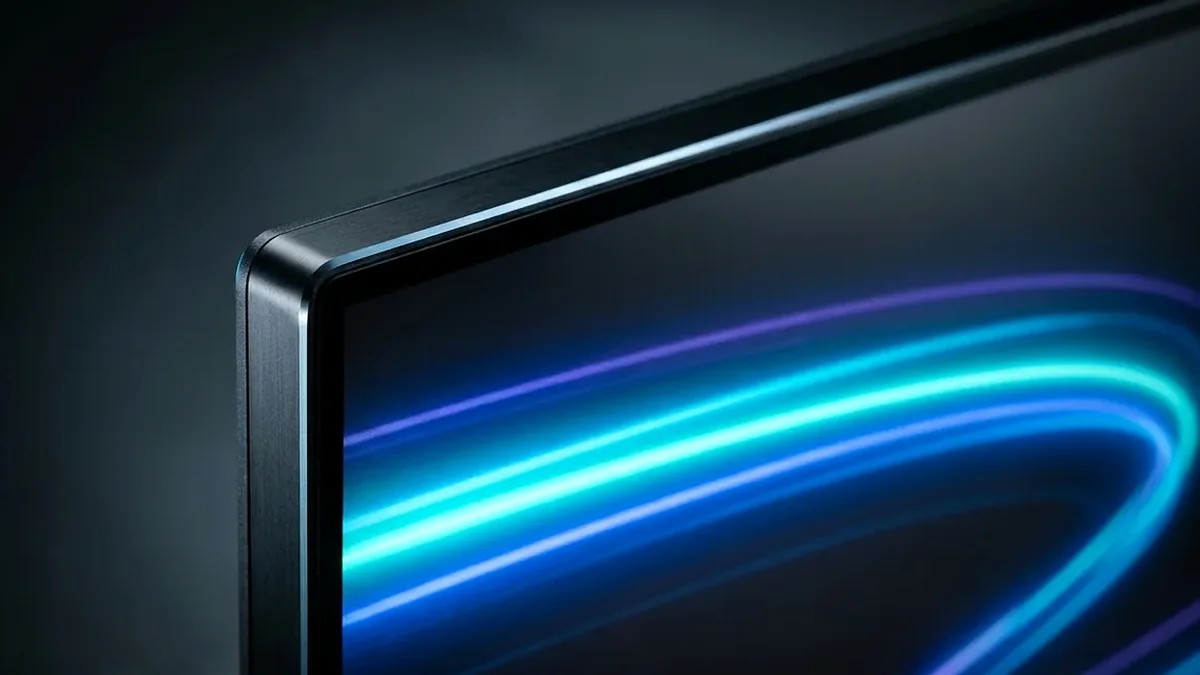
Common myth busted: you do NOT need your GPU to hit 240 or 360 FPS to benefit from a 240Hz/360Hz monitor! When G-Sync or FreeSync (VRR) is active and your game outputs 90 FPS, a 240Hz monitor physically scans each completed frame from the top of the screen to the bottom in just 4.17 milliseconds (2.8ms at 360Hz) - cutting mid-screen scanout delay by more than 65% compared to a 60Hz/120Hz panel.
On This Page 8 sections
One of the most persistent myths in PC gaming forums goes like this: “Don’t buy a 240Hz or 360Hz gaming monitor unless your GPU can push 240+ FPS in every game – if your AAA game only runs at 95 FPS, a 240Hz monitor looks identical to a 120Hz monitor.”
From a display electrical-engineering standpoint, that statement is demonstrably false. Thanks to two hardware mechanisms – Top-to-Bottom Scanout Velocity and Low Framerate Compensation (LFC) Multiplier Headroom – a 240Hz or 360Hz monitor reduces click-to-photon latency and improves pixel motion even when your game runs at 80 to 120 FPS.
1. The Physics of Top-to-Bottom Scanout Time (16.67ms vs 4.17ms vs 2.78ms)
A monitor never flashes all 3.68 million pixels of a 1440p frame onto the screen at the exact same instant. Instead, the display controller scans pixel rows sequentially from top row #1 down to bottom row #1440.
- On a 60Hz monitor, scanning a single frame from top to bottom takes 16.67 milliseconds.
- On a 120Hz monitor, scanning a single frame takes 8.33 milliseconds.
- On a 240Hz monitor, the high-speed TCON scans that entire frame from top to bottom in just 4.17 milliseconds (and just 2.78 milliseconds on a 360Hz monitor!).
Here is the magic when Variable Refresh Rate (G-Sync / FreeSync) is active: when your GPU finishes rendering Frame #42 at 90 FPS (an 11.1ms frame interval), the monitor does not slow its scanout beam down to 11.1ms. The 240Hz monitor immediately scans that new 90-FPS frame out across the glass at its full 4.17ms hardware velocity, then waits quietly in the vertical blanking interval until the GPU finishes Frame #43! That shaves over 4.1ms of real delivery latency off every single frame at the bottom of your crosshair compared to a 120Hz screen.
2. Why 240Hz OLED Beats 144Hz LCD at 90 FPS: Zero VRR Overdrive Overshoot
On traditional 144Hz IPS/VA LCD monitors, pixel overdrive voltage is tuned for 144Hz. When your frame rate drops to 75-90 FPS in a heavy open-world game, that fixed 144Hz voltage is too strong for the longer frame duration – creating bright white “inverse ghosting” halos around moving objects. On a 240Hz or 360Hz OLED monitor, self-emissive pixels switch in 0.03ms natively without overdrive voltage tricks, looking 100% artifact-free whether your game is running at 65 FPS, 110 FPS, or 240 FPS.
Top Tested Amazon Picks at a Glance
#1
9.5/10
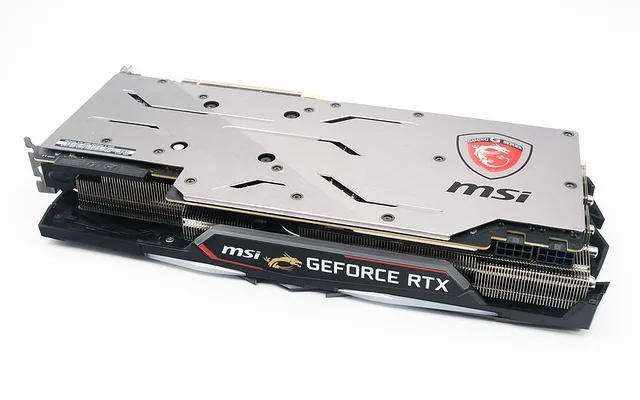
MSI MPG 271QRX 27-Inch 1440p 360Hz QD-OLED
360Hz 0.03ms QD-OLED / Zero VRR Overshoot
View on Amazon
#2
9.4/10
ASUS ROG Strix XG27AQDMG 240Hz Glossy WOLED
240Hz 0.03ms Glossy / Hardware Anti-Flicker
View on Amazon
#3
9.1/10
LG UltraGear 27GR83Q-B 1440p 240Hz Fast IPS
240Hz Fast IPS / 2x 48Gbps HDMI 2.1
View on Amazon
Top Tested 240Hz & 360Hz Monitors on Amazon (OLED & Fast IPS)
| 240Hz / 360Hz Monitor (Amazon) | Panel & Scanout Time | Measured GtG Response | Price Tier |
|---|---|---|---|
| MSI MPG 271QRX 27" 1440p 360Hz QD-OLED | 2.78ms Scanout (3rd-Gen QD-OLED) | 0.03ms GtG (Zero VRR Overshoot) | $749 / Amazon |
| ASUS ROG Strix XG27AQDMG 27" 240Hz Glossy WOLED | 4.17ms Scanout (Glossy Gen-3 WOLED) | 0.03ms GtG + Hardware Anti-Flicker | $649 / Amazon |
| LG UltraGear 27GR83Q-B 27" 1440p 240Hz Fast IPS | 4.17ms Scanout (Fast IPS + 2x HDMI 2.1) | 3.1ms GtG (Best Sub-$350 240Hz Value) | $349 / Amazon |
Related Display Engineering Guides
Pros
- 4.17ms (240Hz) and 2.78ms (360Hz) top-to-bottom scanout velocity cuts latency at EVERY frame rate
- Wide VRR headroom allows Low Framerate Compensation (LFC) to double/triple 45-80 FPS frames cleanly
- 0.03ms OLED pixel transitions eliminate overdrive overshoot across the entire 48-240Hz VRR range
Cons
- Remember to enable both 240Hz in Windows Display Settings AND G-Sync/FreeSync in your GPU control panel
Frequently Asked Questions
Should I lower my 240Hz monitor's Windows refresh rate to 120Hz when playing a heavy AAA game that only hits 90 FPS?
NEVER! Always leave your monitor set to its maximum 240Hz (or 360Hz) refresh rate in Windows 11 Display Settings with G-Sync / FreeSync enabled. Leaving it at 240Hz ensures every 90-FPS frame scans out across the screen in 4.17ms instead of 8.33ms, and gives Low Framerate Compensation (LFC) room to double or triple frames smoothly if FPS dips.
What frame rate cap should I set in NVIDIA / AMD / RTSS on a 240Hz G-Sync / FreeSync monitor?
Cap your maximum in-game frame rate 3% to 4% below your monitor's max refresh rate - which is `225 FPS` to `232 FPS` on a 240Hz monitor (or let NVIDIA Reflex set it automatically at ~224 FPS). That prevents your frame rate from bumping into the 240Hz ceiling where legacy V-Sync double-buffer lag kicks in.
Why does a 60 FPS video or console game without VRR still have lower input lag on a 240Hz monitor?
Even on a fixed 60Hz signal or non-VRR game, a native 240Hz panel's internal scaler and pixel response finish transitioning in <3ms instead of 12-16ms, cutting display processing latency.
Does running a monitor at 240Hz instead of 60Hz wear out my GPU faster?
No. On the Windows 11 desktop at 240Hz, modern GPUs clock down to idle ~15W-22W, and in games your GPU renders at whatever frame rate the game demands regardless of how fast the monitor scans out each completed frame.