
How Much GPU VRAM Do PC Games Actually Use in 2026? (8GB vs 12GB vs 16GB Data)
 By
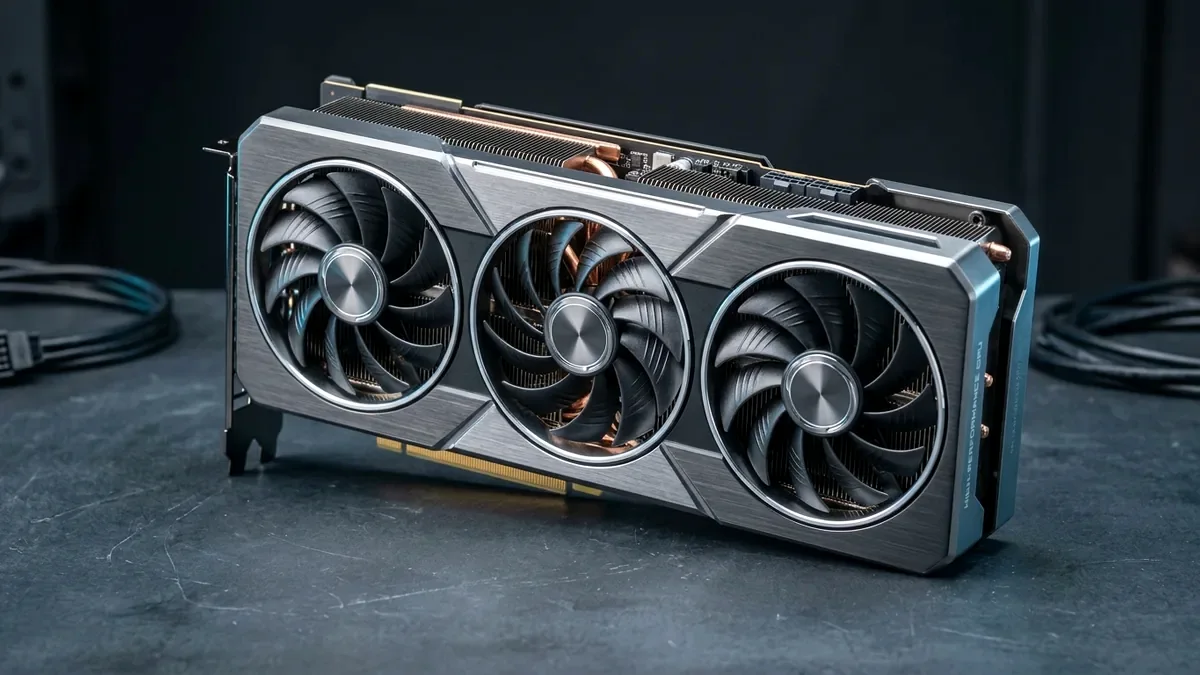
Hardware Unboxed and TechPowerUp 1440p frame-time tests confirm 8GB VRAM is already obsolete for Ultra textures in Unreal Engine 5 releases, Ray Tracing, and Frame Generation (each consuming an extra 1.2GB-2.5GB of framebuffer). 12GB (RTX 5070 / Arc B580) handles 1440p raster cleanly today, while 16GB (RTX 5070 Ti / RX 9070 XT) gives multi-year Ultra-texture and GTA 6 longevity.
On This Page 5 sections
Buying a fast GPU core starved of Video RAM creates one of PC gaming’s ugliest failure modes: high GPU horsepower trapped swapping spilled textures across slow PCIe system RAM – resulting in low-resolution blurry clothing textures or 90ms frame stutters.
- 8GB VRAM (Entry 1080p Only): Consumed instantly at High/Ultra in Indiana Jones and the Great Circle, Horizon Forbidden West, Resident Evil 4, and Hogwarts Legacy, especially when Ray Tracing or Frame Gen buffers allocate extra MB.
- 12GB VRAM (Current 1440p Sweet Spot Minimum): Cleanly accommodates modern 1440p High/Ultra assets in 95% of titles today, though headroom shrinks when turning on Path Tracing + DLSS Frame Gen.
- 16GB+ VRAM (Future-Proof 1440p & 4K Target): Leaves comfortable capacity for PS5 Pro / RAGE 9 open-world texture streaming (including upcoming GTA 6 PC Ultra textures) and local 14B LLM inference.
Top Tested Amazon Picks at a Glance
#1
9.6/10
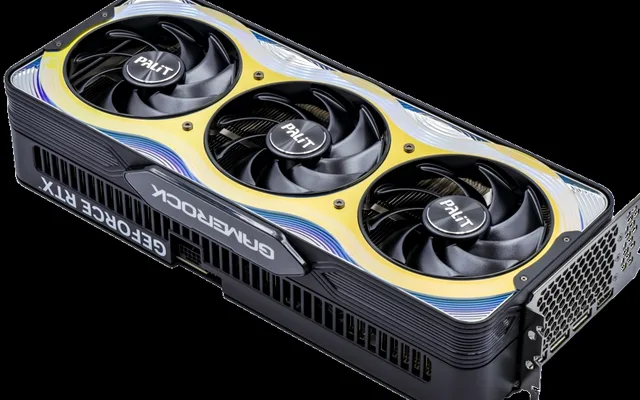
ASUS TUF Gaming RTX 5070 Ti 16GB GDDR7
16GB GDDR7 896 GB/s / 3-Fan
View on Amazon
#2
9.5/10
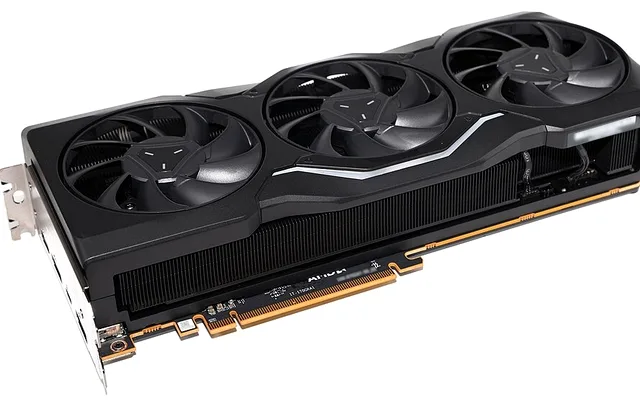
Sapphire Pulse AMD Radeon RX 9070 XT 16GB
16GB VRAM / FSR 4 1440p Raster
View on Amazon
#3
9.2/10
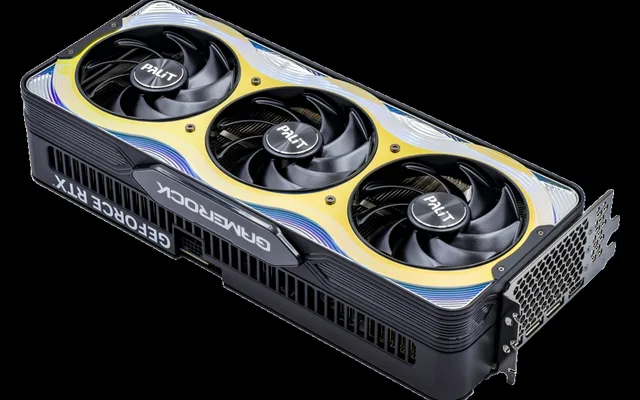
ASRock Intel Arc B580 12GB Battlemage
12GB GDDR6 / Beats 8GB Rivals
View on Amazon
Related Lab Reports & Buying Guides
Pros
- 16GB GDDR7/GDDR6 prevents muddy mipmap texture fallback and PCIe bus overflow stutter
- Plenty of framebuffer capacity for simultaneously running Ray Tracing + DLSS/FSR Frame Generation at 1440p and 4K
Cons
- 8GB cards like RTX 4060 / RX 7600 require dropping texture pools from Ultra to Medium in 2025-2026 AAA launches
Frequently Asked Questions
Does 'VRAM Allocation' in MSI Afterburner equal actual 'VRAM Required'?
No. Games often pre-allocate 1GB-2GB more VRAM as cache than strictly required. True VRAM overflow shows up when 1% low frame times collapse or high-res textures refuse to load.