
Fix Windows 11 Audio Crackling, Popping & High DPC Latency (2026 Driver Guide)
 By
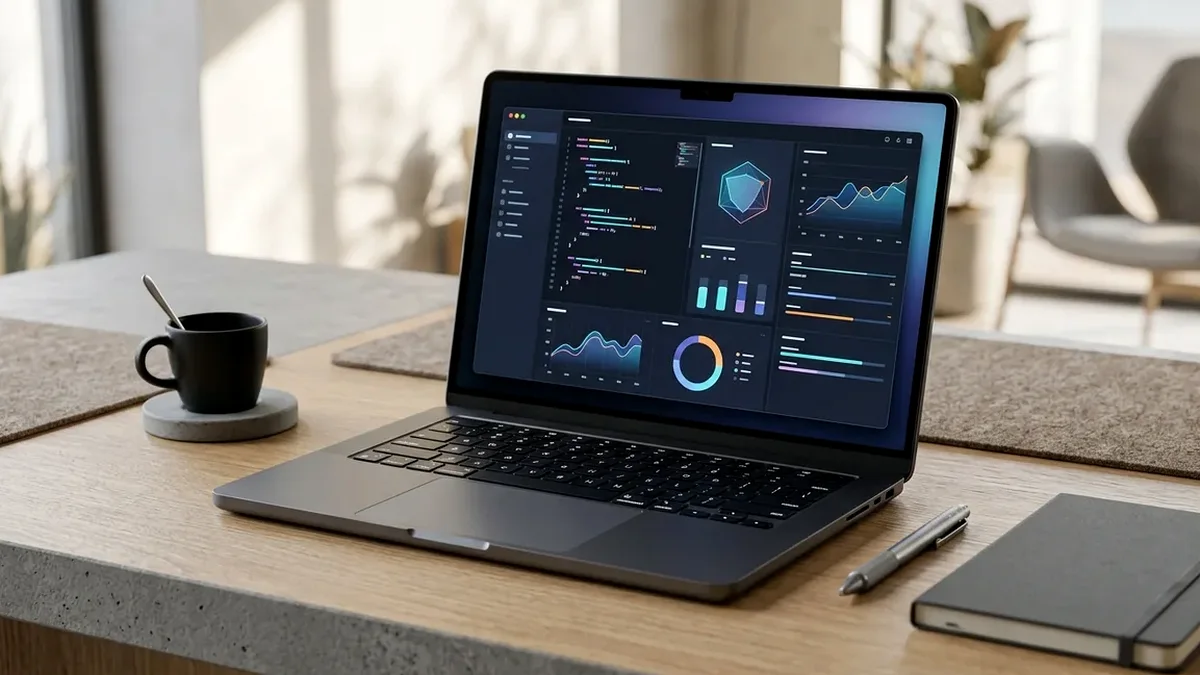
Audio crackles, pops, and Discord robotic cutouts on Windows 11 happen when a faulty kernel driver monopolizes CPU interrupts beyond your audio buffer window (typically 5ms-10ms). Run free LatencyMon for 2 minutes to catch the exact `.sys` offender (`ndis.sys`, `nvlddmkm.sys`, or `ACPI.sys`), switch Windows Power Plan away from aggressive Power Saver, match your 48kHz sample rate, or bypass noisy onboard Realtek codecs via a dedicated Elgato Wave:3 / Shure MV6 USB-C interface.
On This Page 7 sections
Nothing breaks concentration during gaming or client calls faster than intermittent static clicks, crackling bass, or brief audio buzzes whenever you open a browser tab. When Windows’ real-time audio buffer drains empty because a GPU, Wi-Fi, or ACPI driver stalled Core 0 for more than 2,000 microseconds, you hear an audible pop.
Identify the Culprit Driver in 120 Seconds with LatencyMon
Download and start LatencyMon while playing audio and opening apps normally. Switch to the Drivers tab and sort by Highest execution (ms). Anything crossing 1.5ms-3.0ms consistently explains dropouts: ndis.sys points to an old Realtek/MediaTek Wi-Fi driver, nvlddmkm.sys points to GPU power state switching (cured by ‘Prefer maximum performance’ per-app in NVIDIA Control Panel), and ACPI.sys points to OEM battery/RGB polling bloatware.
Disable Audio Enhancements & Eliminate Front-Panel EMI
Open mmsys.cpl (classic Windows Sound panel) > Playback/Recording device Properties > Advanced. Set every active device uniformly to 24 bit, 48000 Hz (Studio Quality) and uncheck Audio Enhancements. If plugging headphones into the front PC case 3.5mm jack adds GPU coil-whine hiss during games, moving to an external USB-C audio device like the Elgato Wave:3 isolates the analog headphone amp outside your chassis cleanly.
Top Tested Amazon Picks at a Glance
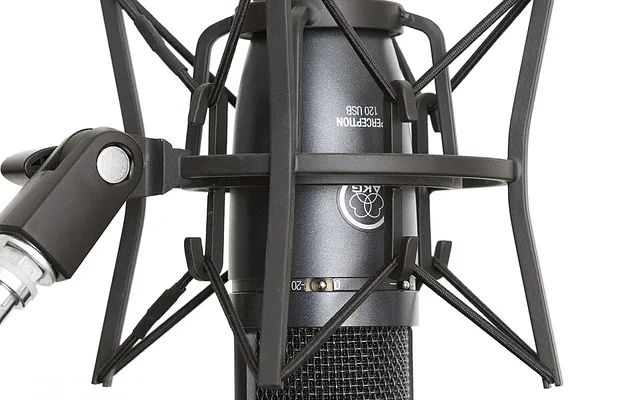
#1
9.6/10
Elgato Wave:3 USB-C Mic & Low-Latency DAC
24-bit/96kHz ADC / Clipguard / Zero Ground Hum
View on Amazon
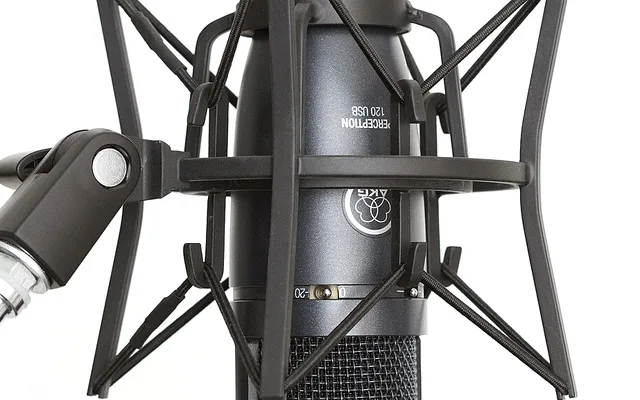
#2
9.5/10
Shure MV6 USB-C Gaming & Voice Isolation Mic
USB-C DSP + 3.5mm Headphone Monitor
View on Amazon
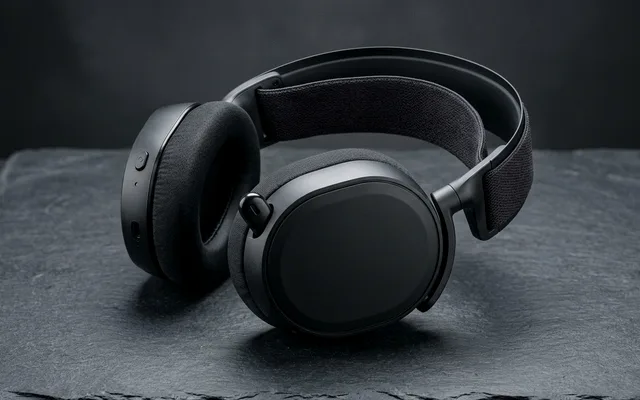
#3
9.4/10
SteelSeries Arctis Nova 7 Wireless Low-Latency
2.4GHz Lossless Dongle + Simultaneous BT
View on Amazon
Related Windows 11 & Hardware Diagnostics
Pros
- Class-compliant USB-C DAC/ADC completely bypasses noisy motherboard Realtek traces and EMI ground loops
- Wave Link hardware DSP buffers prevent clipping and dropouts across simultaneous Discord/Game/Browser routing
Cons
- Even the best USB DAC will hitch if a buggy Wi-Fi or RGB motherboard driver locks Core 0 above 4,000 microseconds
Frequently Asked Questions
Why do my 3.5mm headphones buzz only when I launch a game with uncapped FPS?
That high-pitched whine is electrical ground-loop interference induced across unshielded front-panel HD Audio case wires sitting next to high-wattage GPU VRM traces. Moving audio output to USB-C/optical or rear motherboard Line-Out eliminates it instantly.